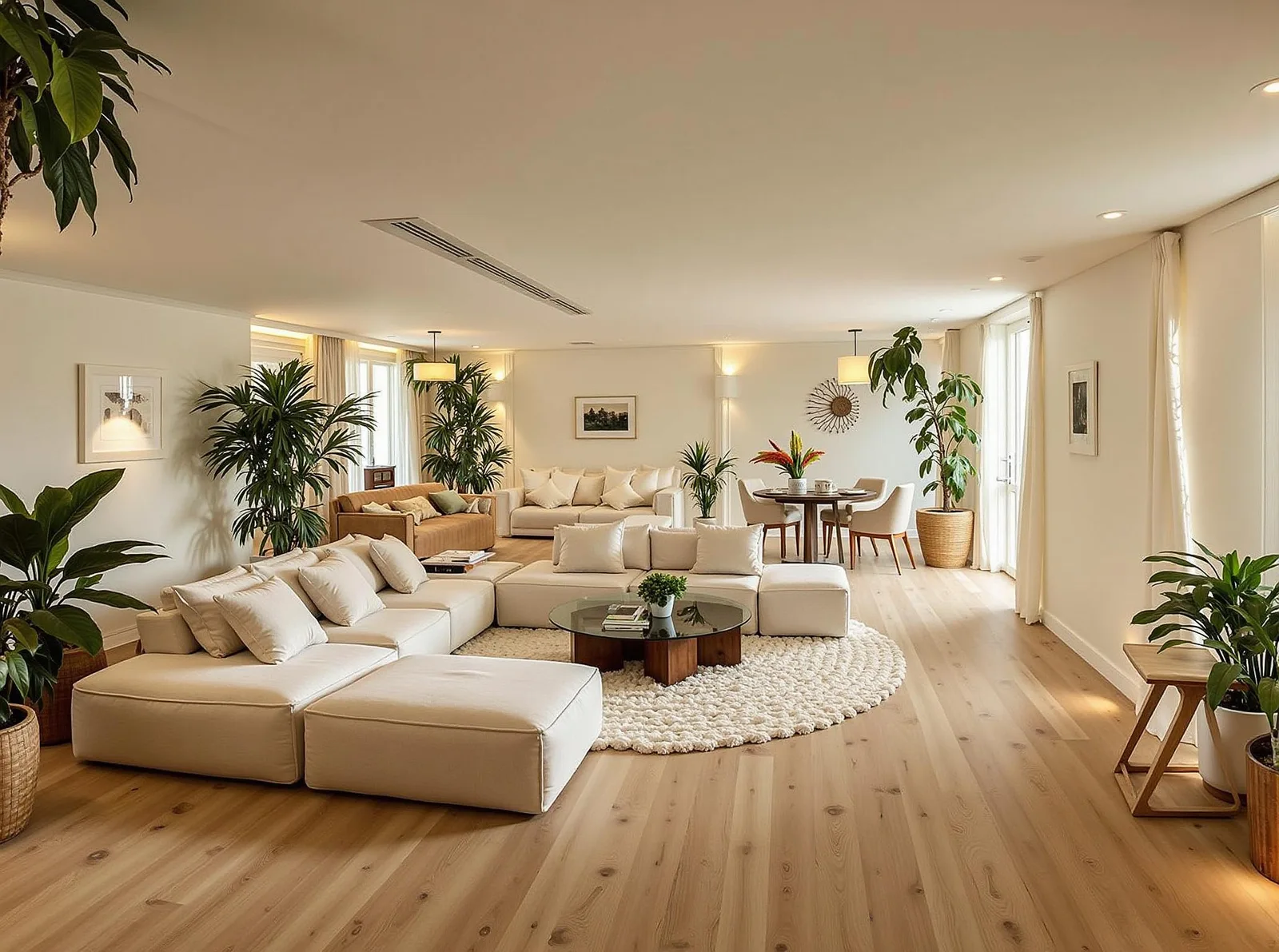
Virtual Staging AI
Give an empty room a furnished perspective. Explore furniture, lighting, and decor from a photo of your space.
Stage your roomOne free generation after sign-in with standard options. Illustrative staging example shown.
Help people picture the space
Living room staging
Show how a sofa, rug, and chairs can define a lounge area. A furnished concept gives viewers a starting point for imagining everyday life in an empty room.
Bedroom staging
Explore a bedroom with a bed, bedside tables, and softer textiles. Compare the visual mood while checking the real room's dimensions separately.
Apartment staging
Give a compact or open-plan space a coherent direction. Use furniture groupings to suggest sleeping, dining, and living zones without physical staging.
From empty room to staging concept
- 01
Upload an empty room
Use a bright, sharp photograph taken from a corner or doorway. Include the floor, walls, and windows so the room's shape is visible.
- 02
Choose a room and style
Open the room design tool and select the room type. Explore 30+ styles, from restrained Modern and Scandinavian looks to warmer Coastal or Farmhouse directions.
- 03
Generate, compare, and download
Sign in to generate your concept. Compare it with the original photograph, review any changed details, and download the result for your planning or presentation.
Three staging directions to explore
Illustrative style references, not customer listings or guaranteed results.
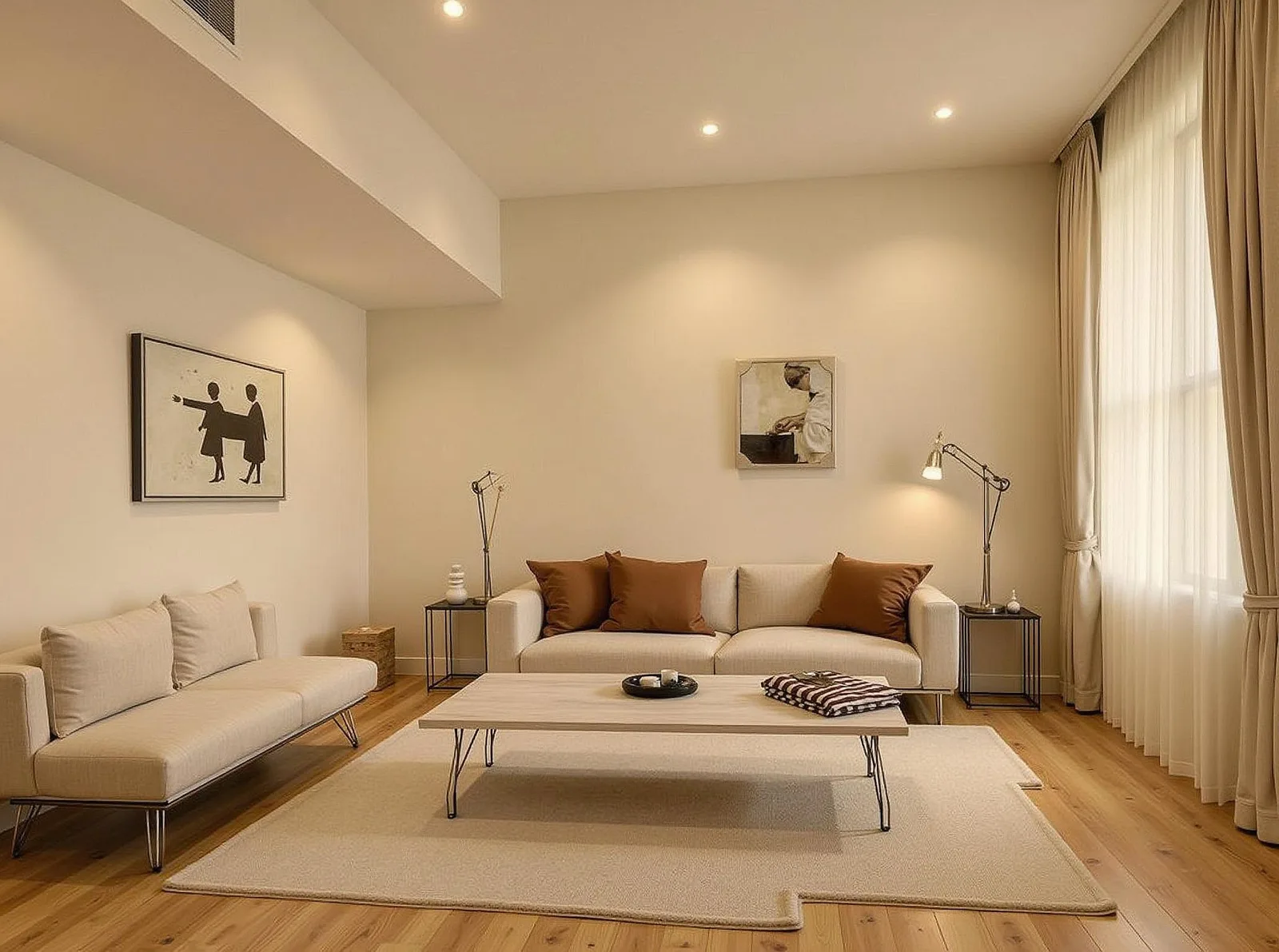
Modern Living Room
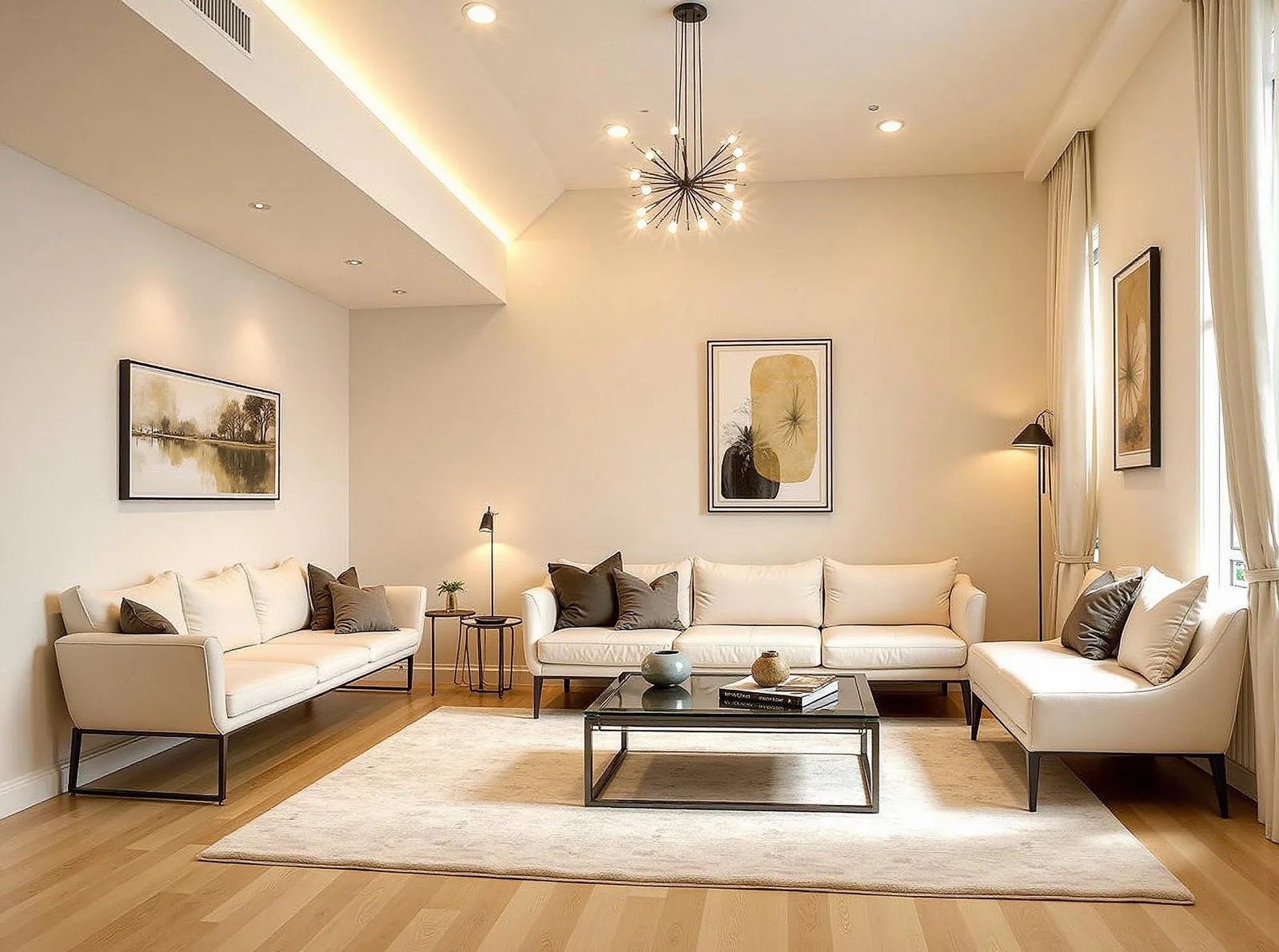
Scandinavian Living Room
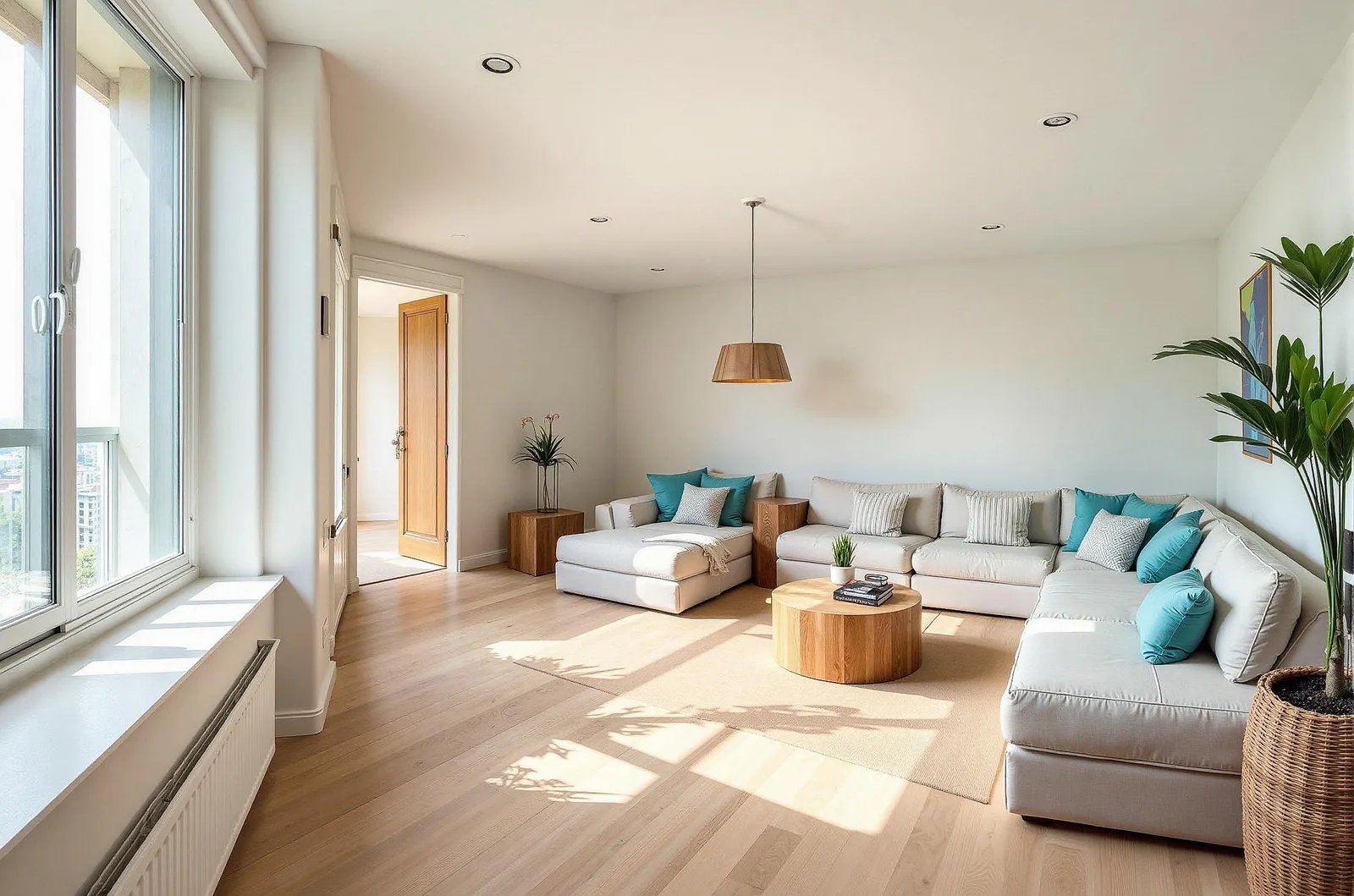
Coastal Living Room
A useful concept, with the original in view
Virtual staging helps agents present a possible use for a vacant room and helps homeowners plan before buying furniture. It does not replace a site visit, measurements, or accurate property photography. Review the output against the original and clearly label any staged images you share.
Working with a furnished room instead? Use free AI room design to explore a new style around your existing space.
Virtual staging questions
What is virtual staging AI?
Virtual staging AI creates a furnished concept from a room photograph. It can help people picture furniture, colors, and decor in a vacant space without physically moving furniture into the property. The output is an illustration, not a measured floor plan.
Can I try AI virtual staging for free?
Yes. JanvAI includes one free successful generation after sign-in with standard options, shared across its design tools. If you have already used it, further designs need a subscription allowance or purchased credits at 1 credit per generation. Pro includes 100 monthly generations and Premium includes 200. Some options require a subscription.
Can I use virtually staged images in a property listing?
Check your listing platform's requirements before publishing. Clearly identify the image as virtually staged and include the original photograph so viewers can see the actual property. Review generated results for changes to doors, windows, finishes, and room proportions before using them.
Does AI staging preserve the room exactly?
Not always. The uploaded photo guides the design, but AI can change structural details, furniture scale, and finishes. Compare every result with the source image. Do not use generated images as evidence of dimensions, condition, or features that the property does not have.