Free AI Room Design
Upload your room photo for AI redesign
Upload your room photo
Drag & drop or click to browse
Supported formats: JPG, PNG, WEBP
Or choose from examples
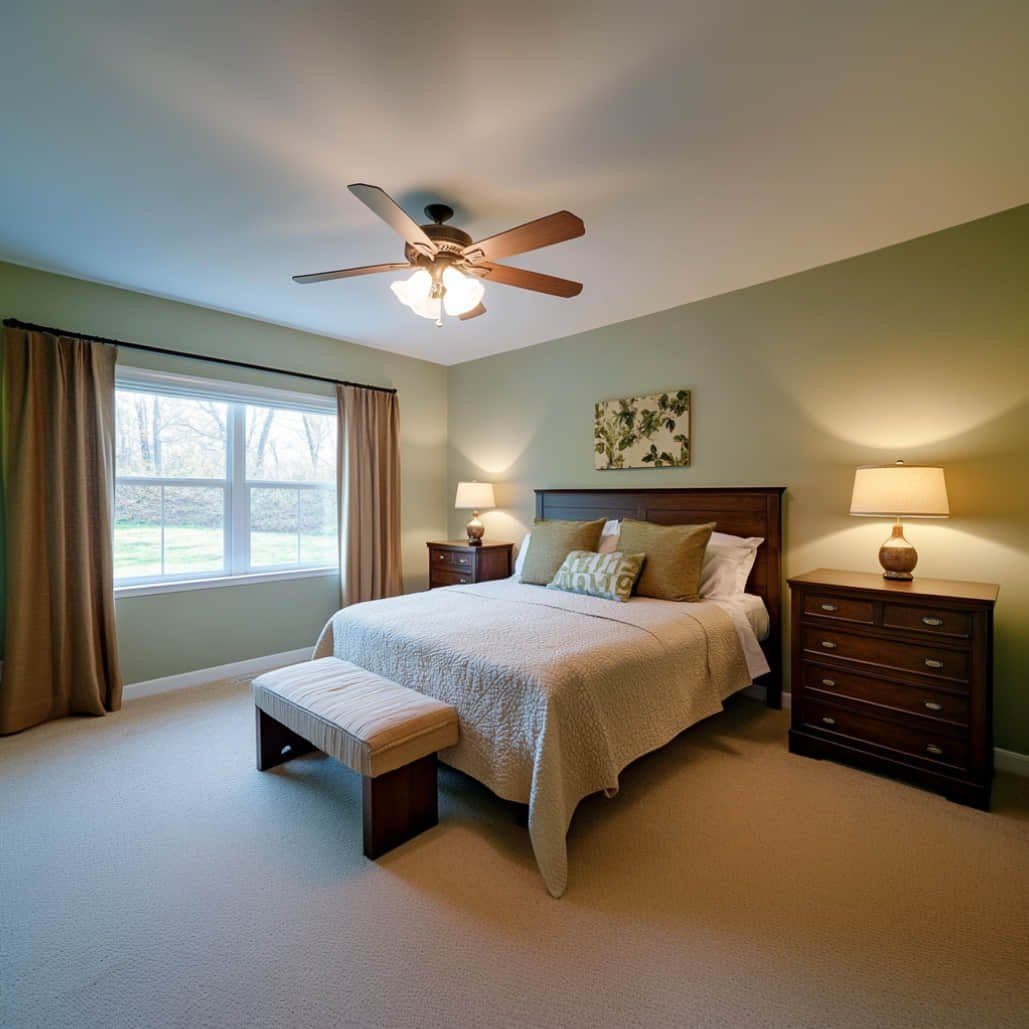
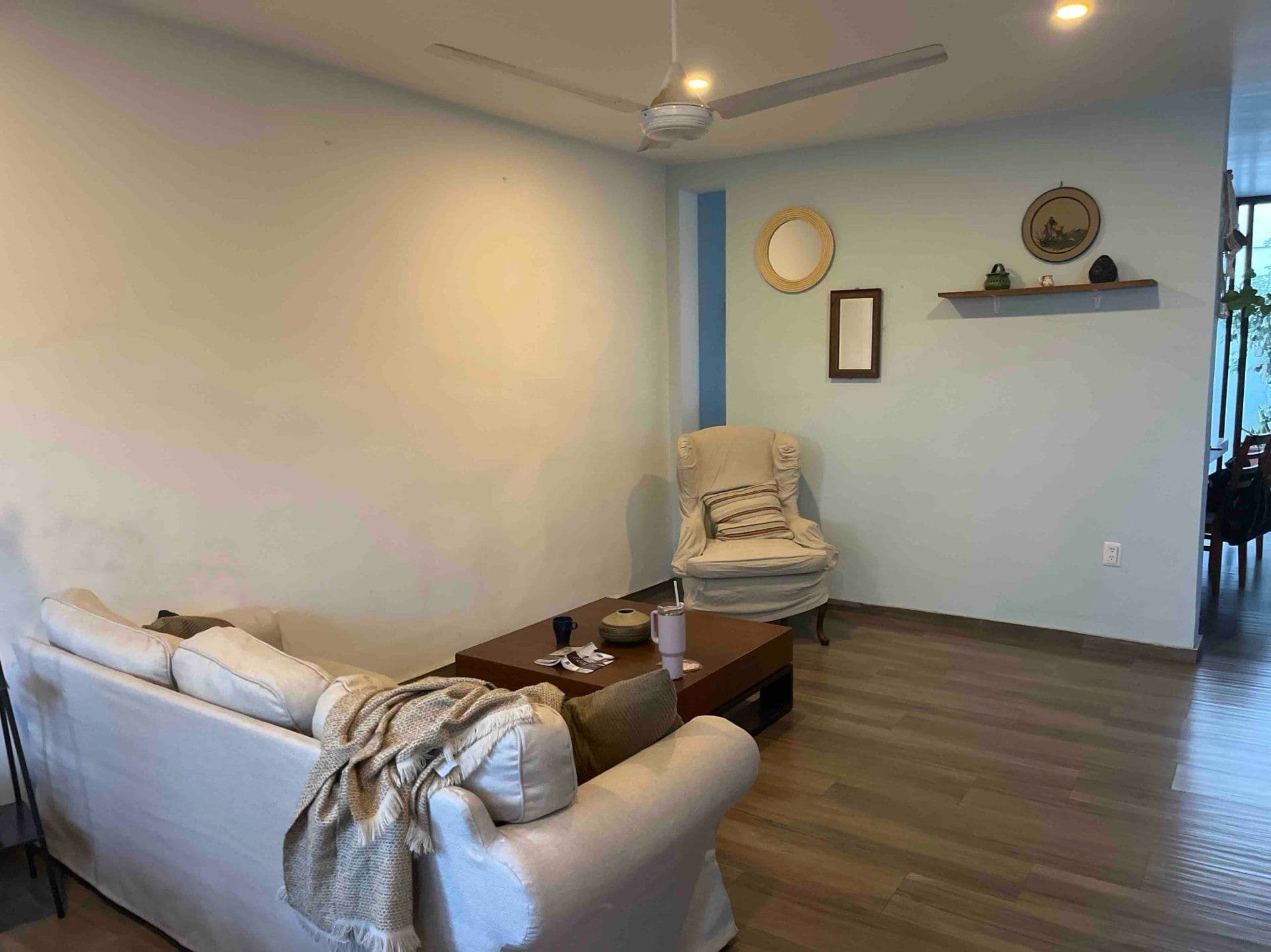
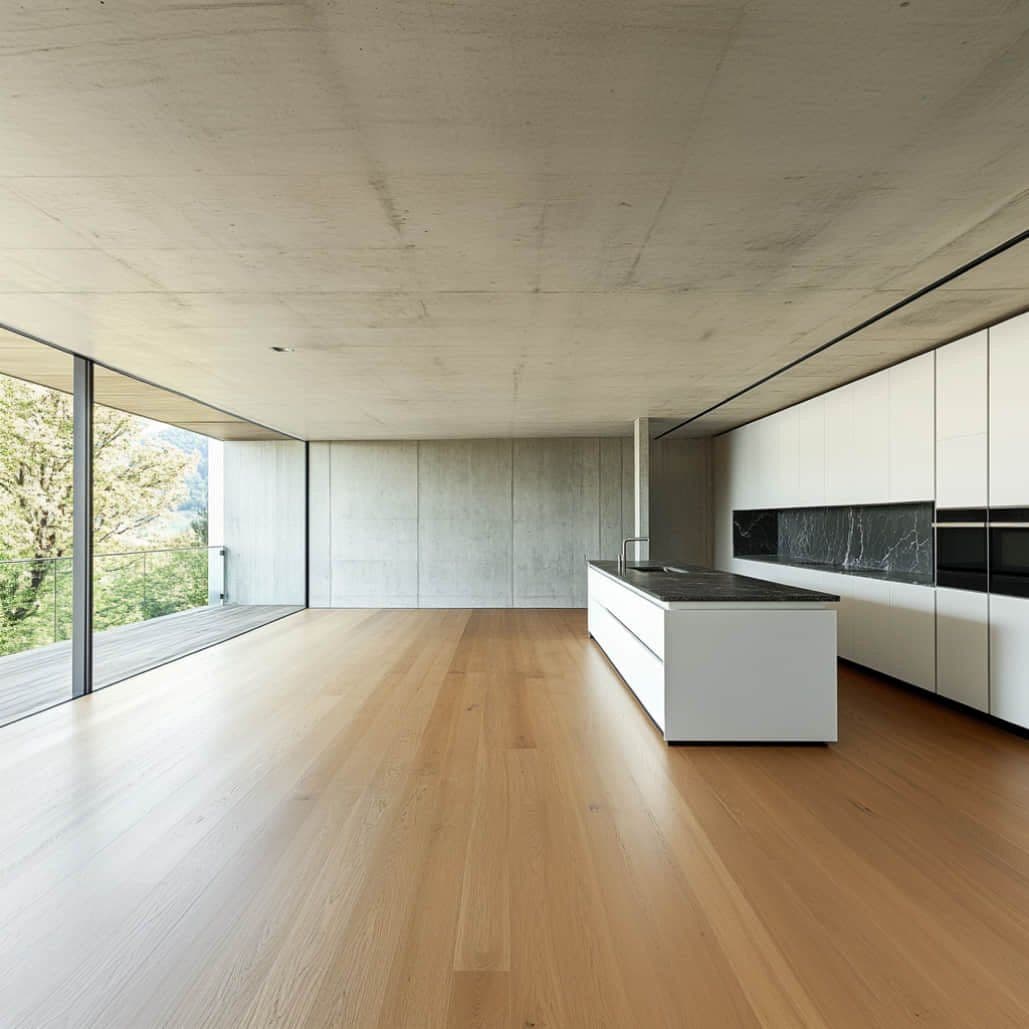
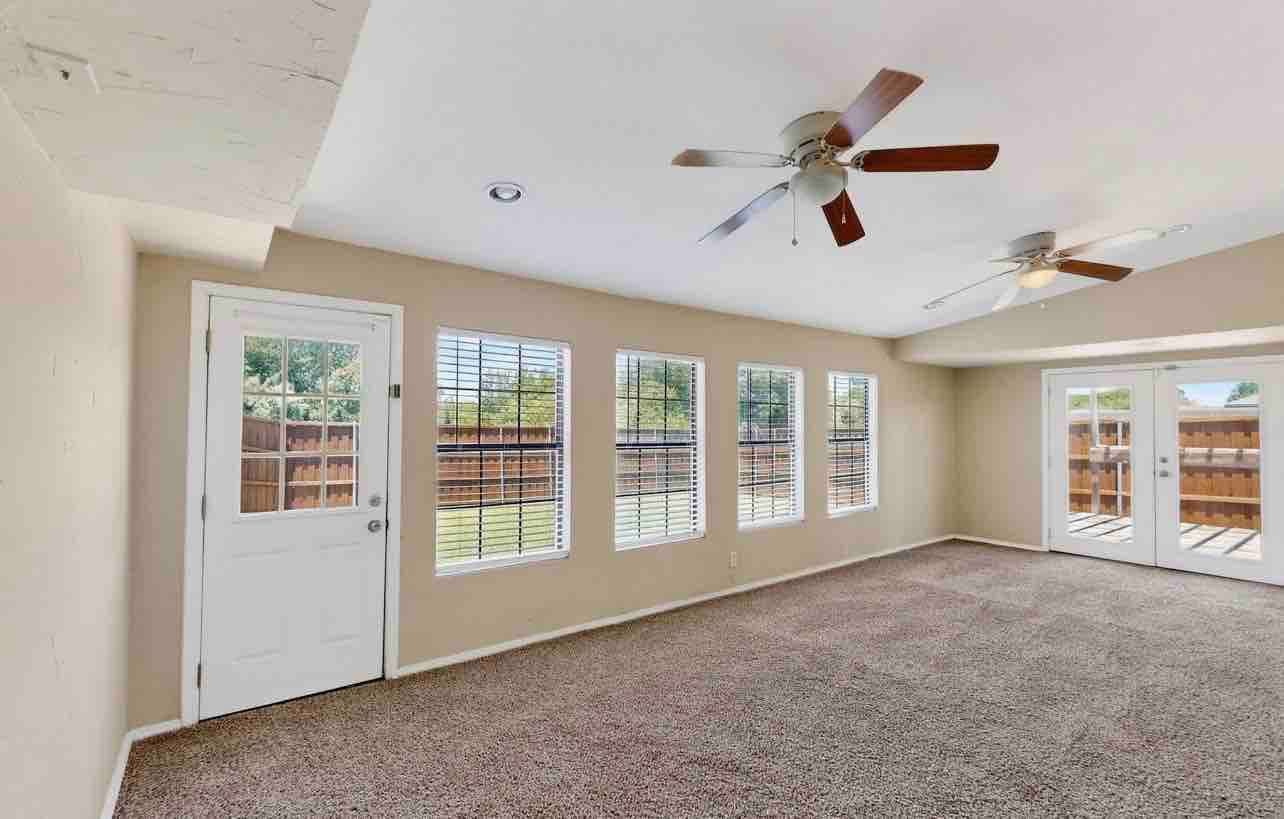
Room Type
Design Style
Furniture Options
What Is Free AI Room Design?
JanvAI gives you one free successful room generation after sign-in, with standard design options and no payment required. The allowance is shared across design tools and does not reset daily. After that, further generations use a paid subscription allowance or purchased credits at 1 credit per generation. Some options require a subscription; trying the free allowance does not automatically start one.
Upload a photo to explore a new look for your own space, from a different color palette to a furnished empty room. For more before-and-after examples and room inspiration, explore AI room design.
Redesign Any Room with AI
AI Living Room Design
Compare seating, rugs, lighting, and wall colors in the room you use every day. Start with one clear view to see how a new palette changes the space.
AI Bedroom Design
Explore softer lighting, coordinated bedding, and calmer finishes. Preview a bedroom refresh before choosing paint or replacing furniture.
AI Kitchen & Dining Room Design
Picture different cabinet finishes, countertops, and dining furniture while using your current kitchen as the starting point.
AI Apartment & Studio Room Design
Explore a coordinated look for compact rooms that serve several purposes. Compare furniture scale and visual zoning before making changes.
Planning a kitchen refresh? Explore cabinet and finish ideas with AI kitchen design.
Powerful AI Design Capabilities
Virtual Staging for Empty Rooms
An empty room can be hard to picture as a home. Upload a well-lit photo and choose a room type and style to explore a furnished version, with seating, rugs, lighting, and decor that give the space a purpose.
For a vacant living room, compare how a seating group defines the lounge area. For a bedroom, visualize a bed and bedside furniture. Homeowners can use these concepts to plan a move; agents can help viewers imagine how a vacant property might feel.
Keep the original photo alongside the result and label listing images as virtually staged. Generated furniture and dimensions are illustrative, so check the actual space before making purchasing decisions.
Explore virtual staging AI for more room staging examples.
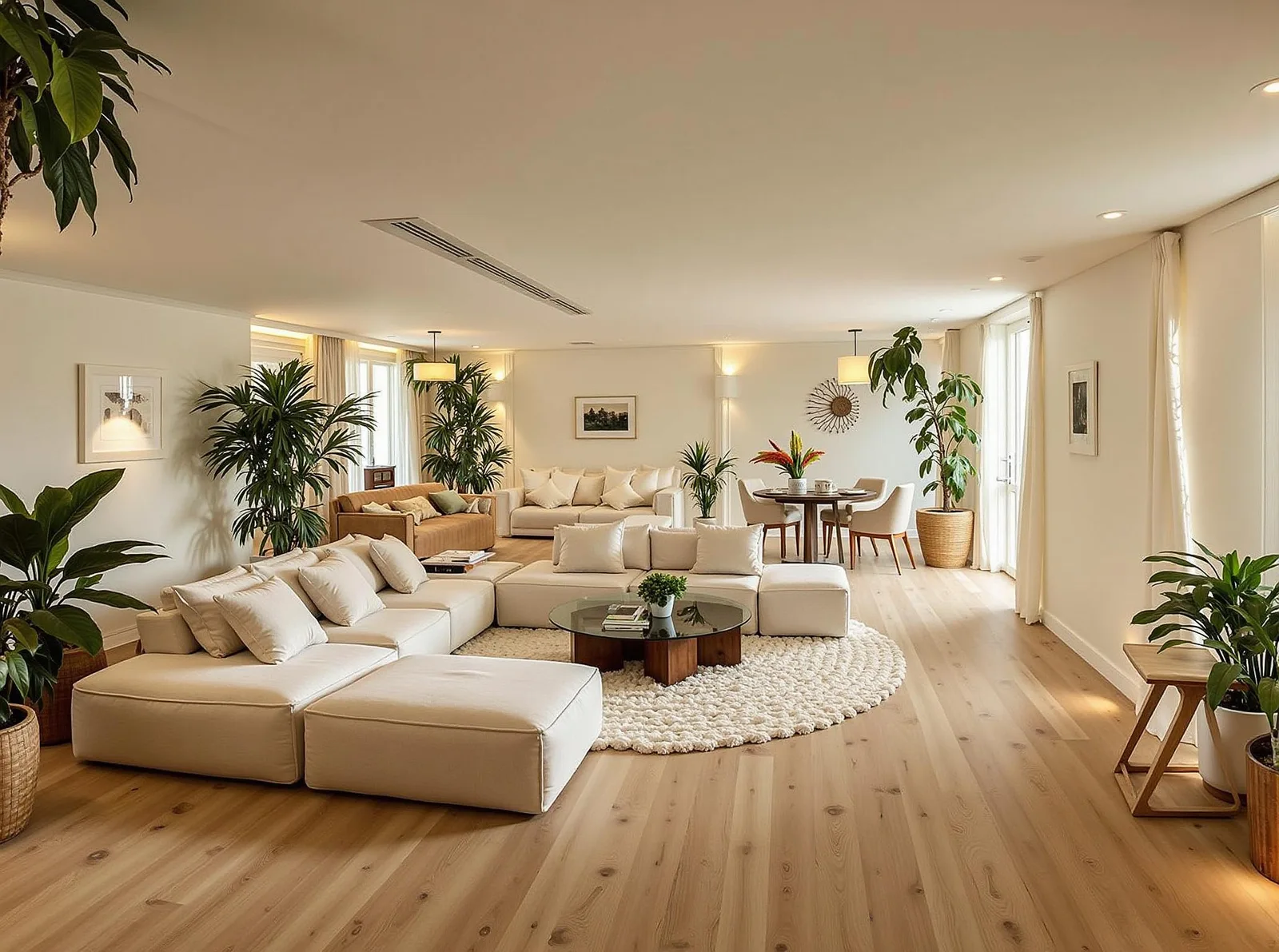
Keep Existing Furniture
Leave furniture removal off to use your furnished room as the starting point. Explore new colors, textiles, and decor around the existing arrangement. Exact furniture preservation can vary in generated results.
30+ Curated Design Styles
Compare clean Modern Minimalist lines, layered Scandinavian textures, relaxed Coastal finishes, and more. Available options appear in the style selector, with access depending on your plan.
Explore AI Room Design Styles
Browse nine illustrative room design examples, including three kitchen directions. These are style references, not customer projects or guaranteed results.
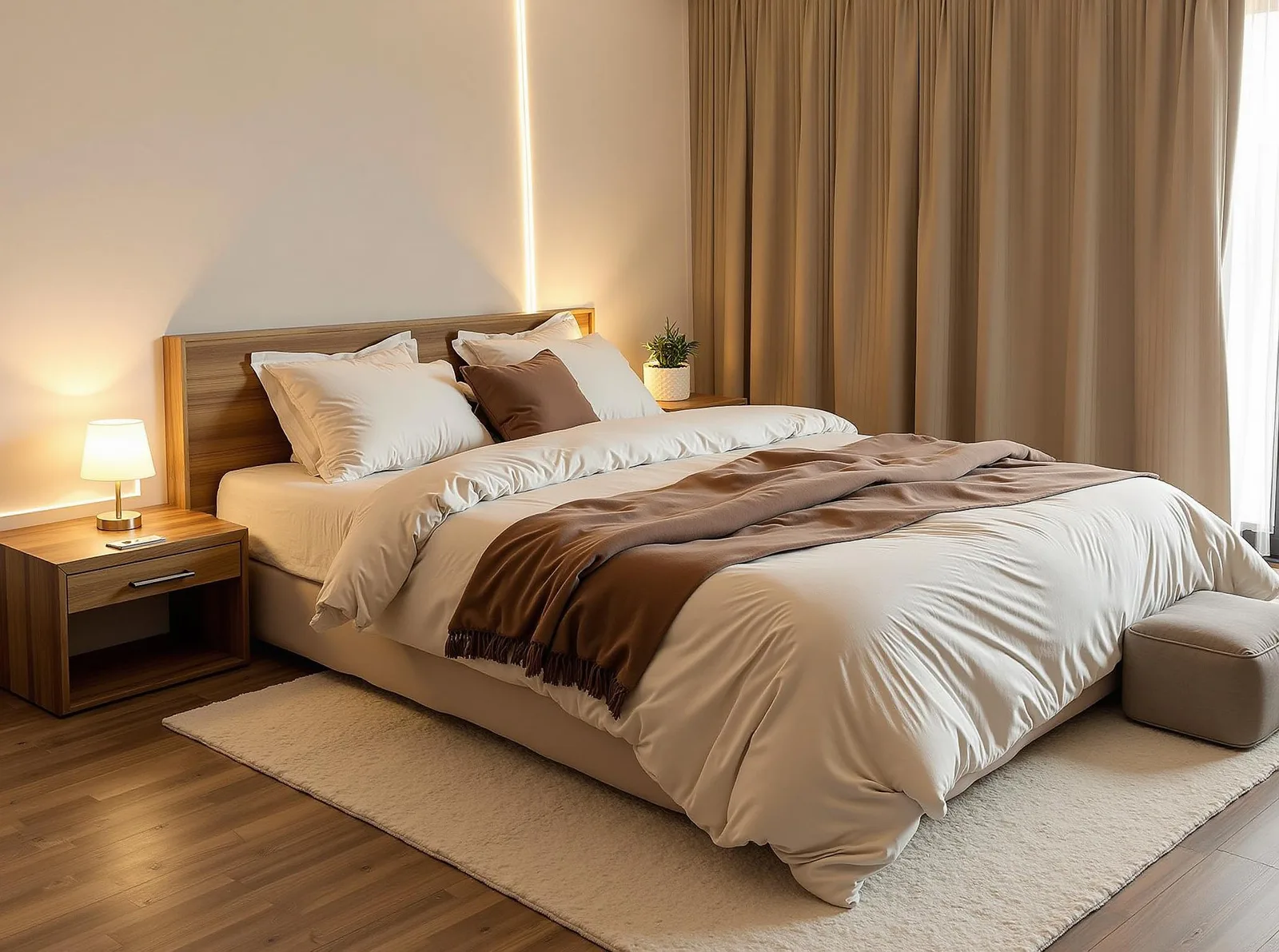
Modern Minimalist
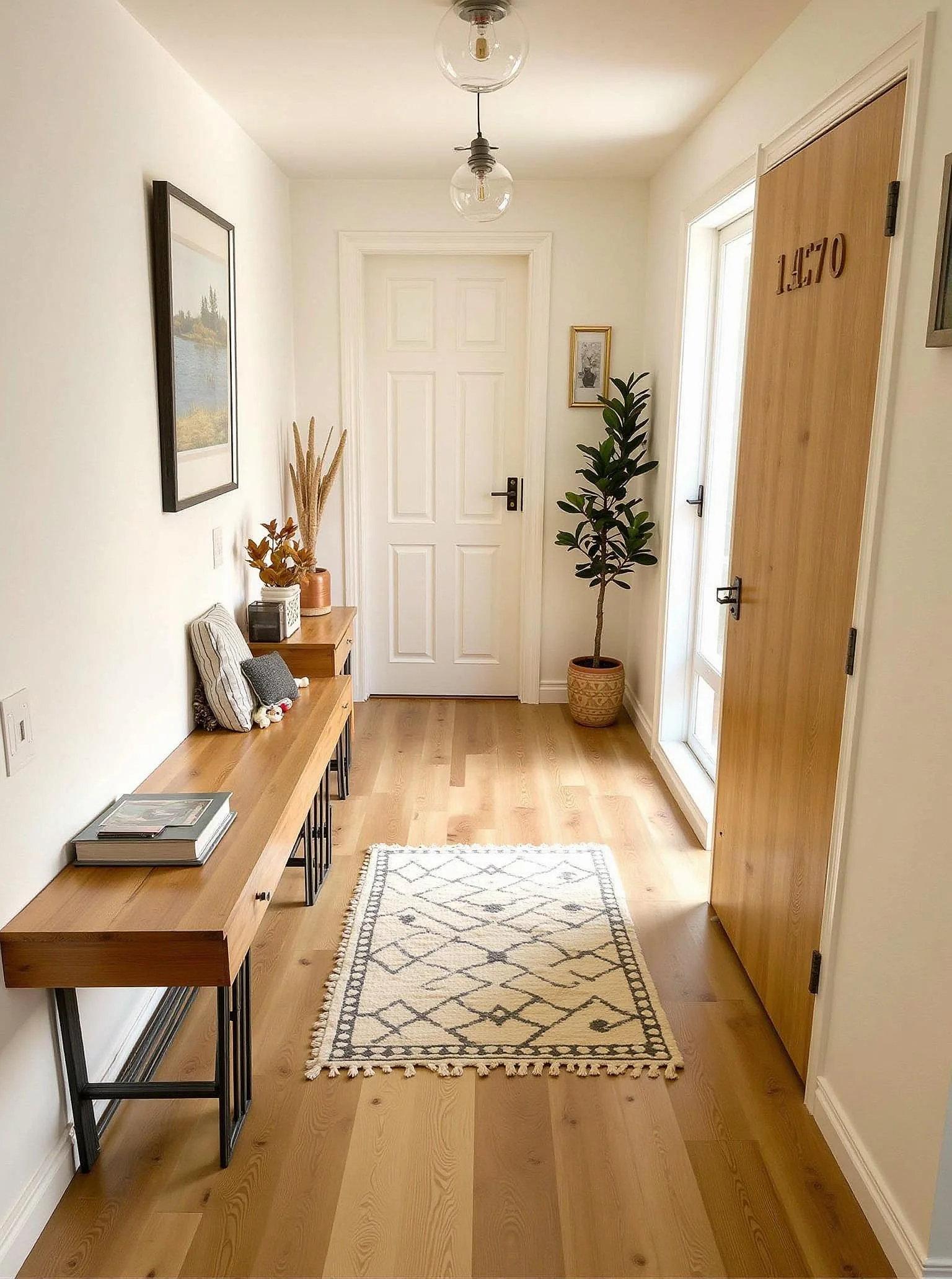
Scandinavian
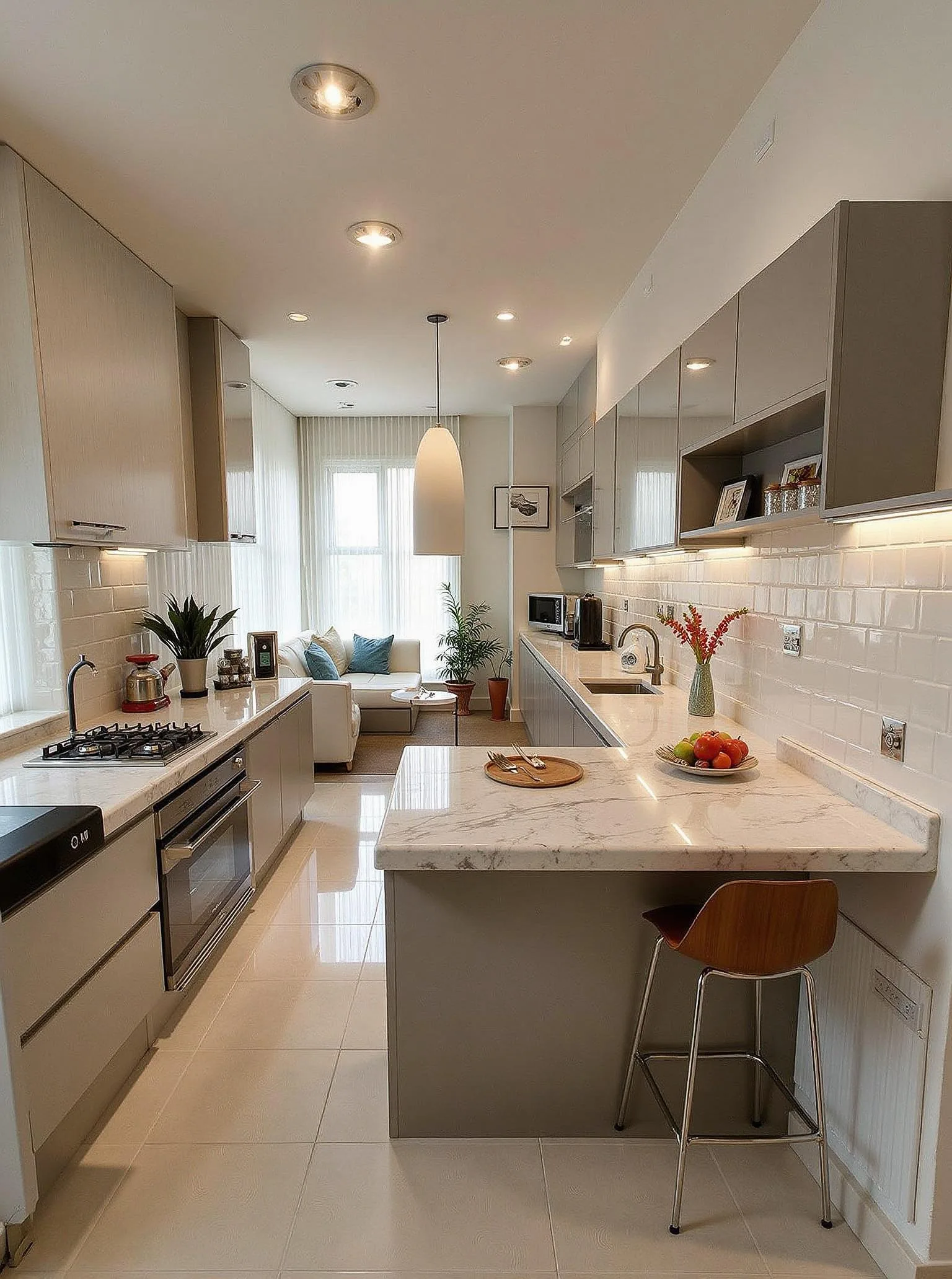
Luxury
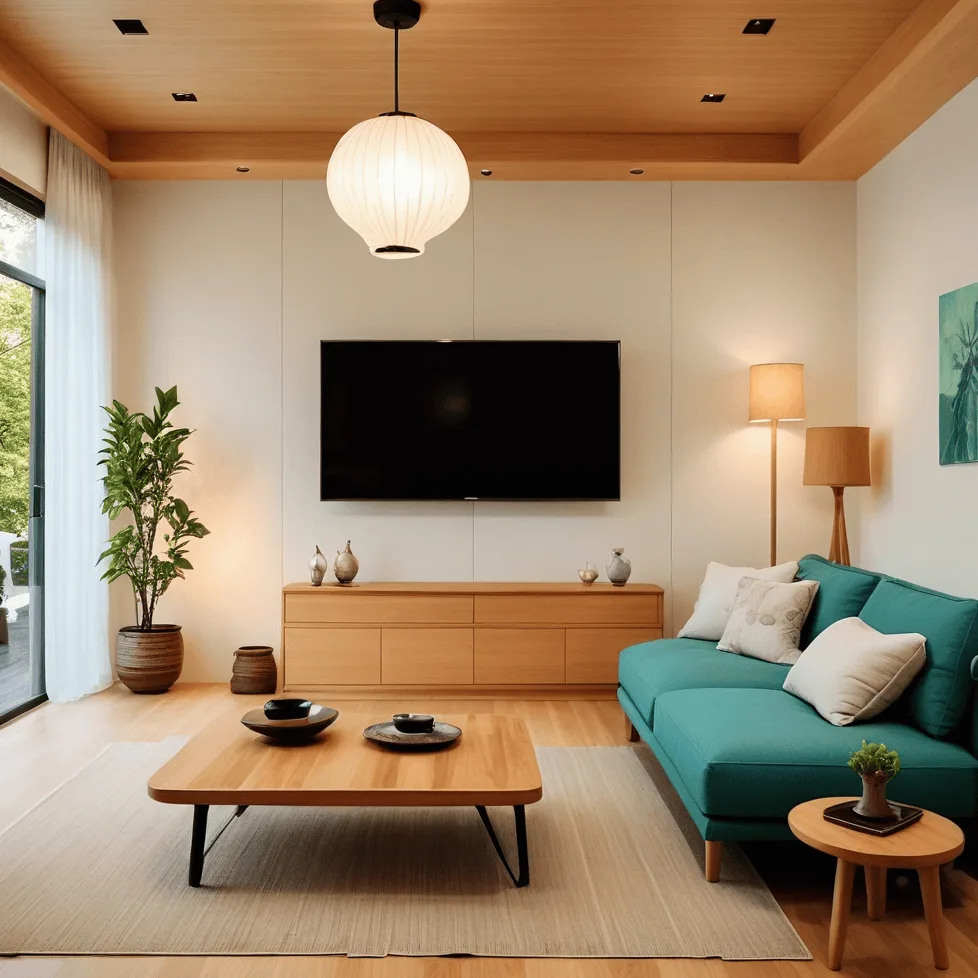
Japandi
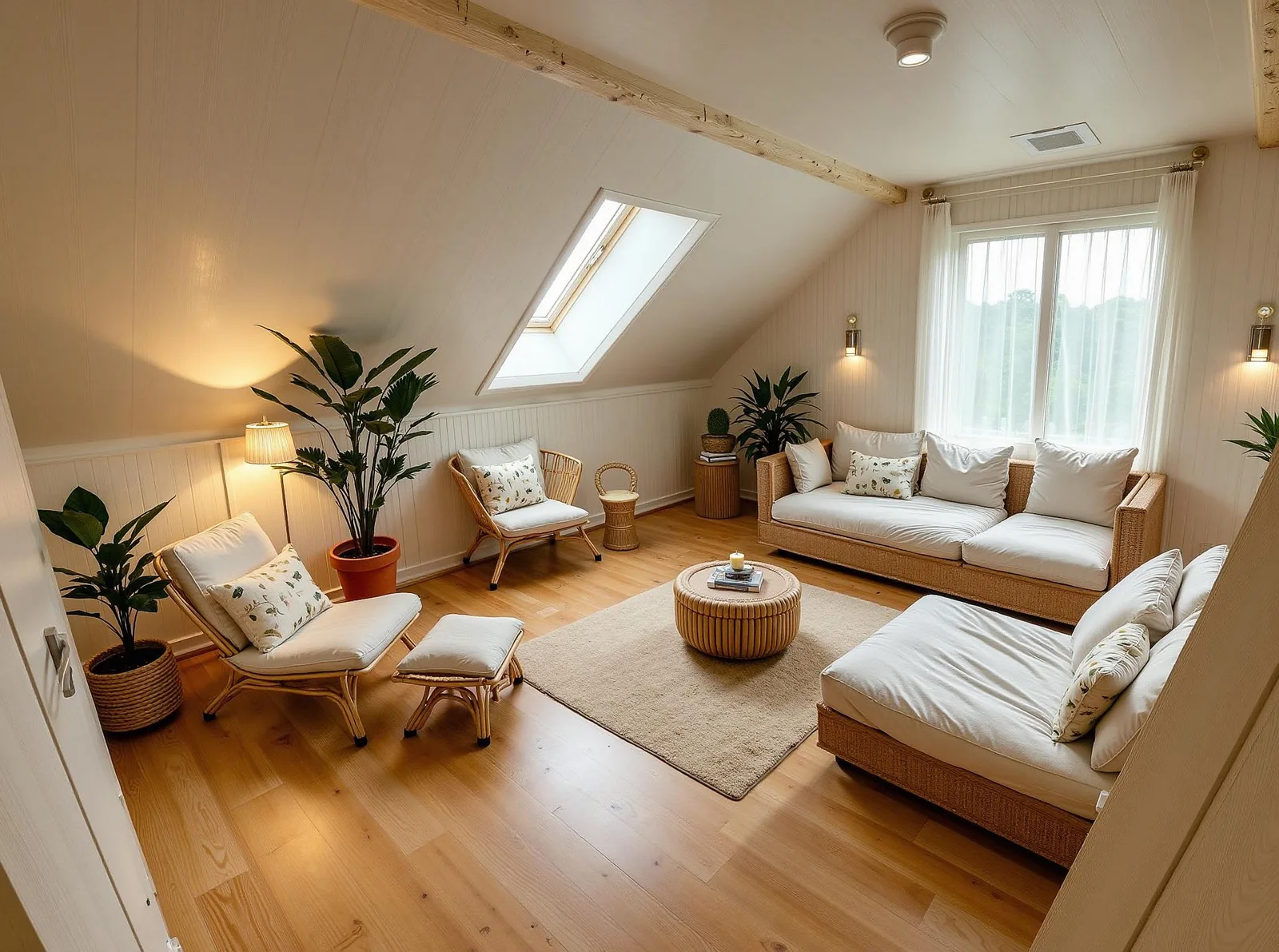
Coastal
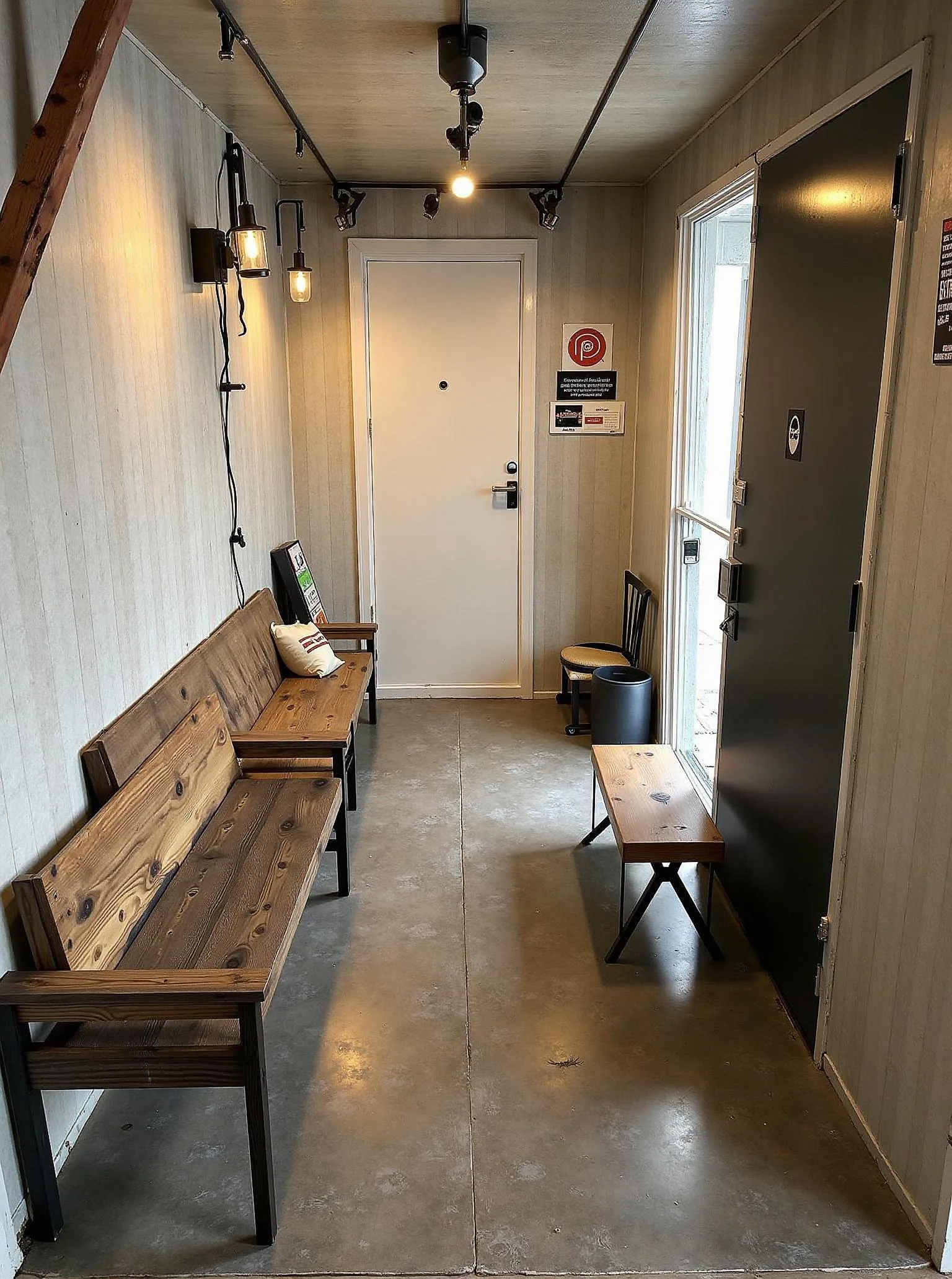
Industrial
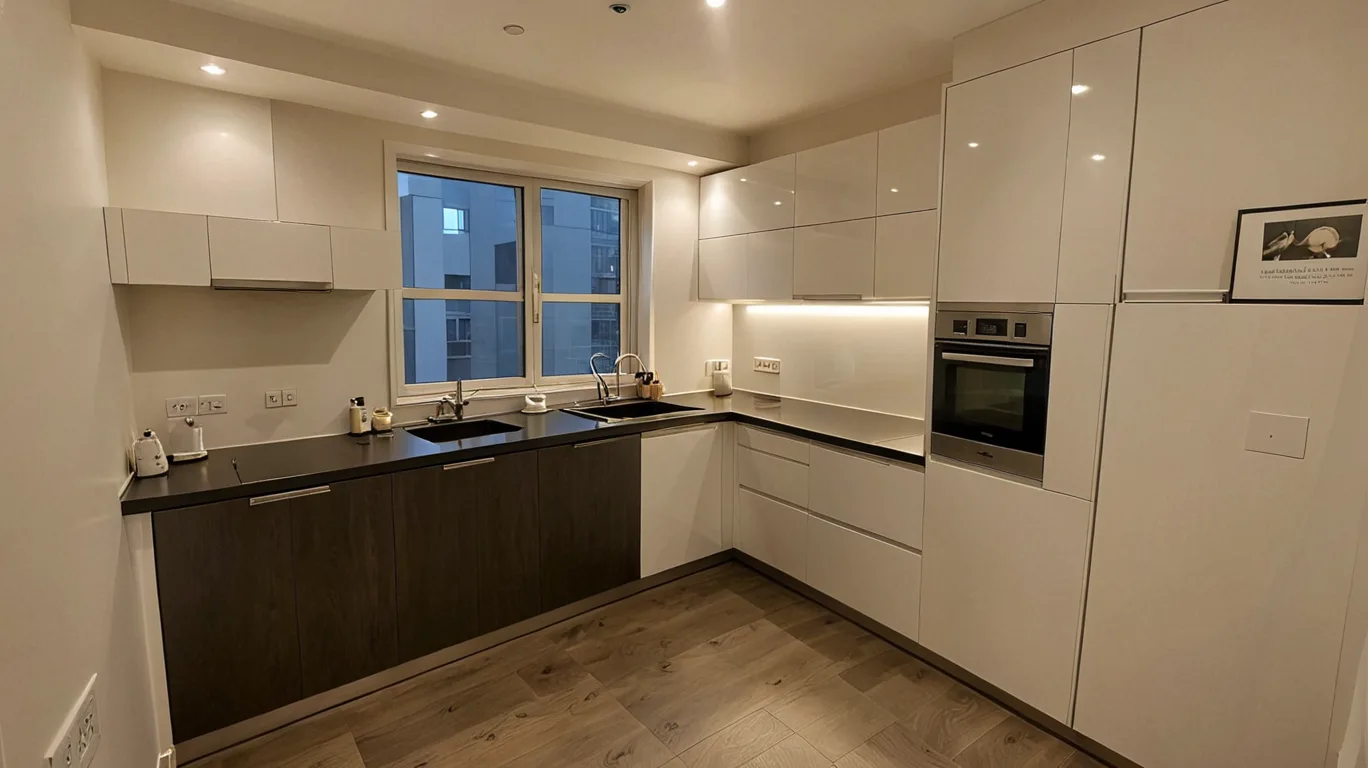
White Oak Kitchen
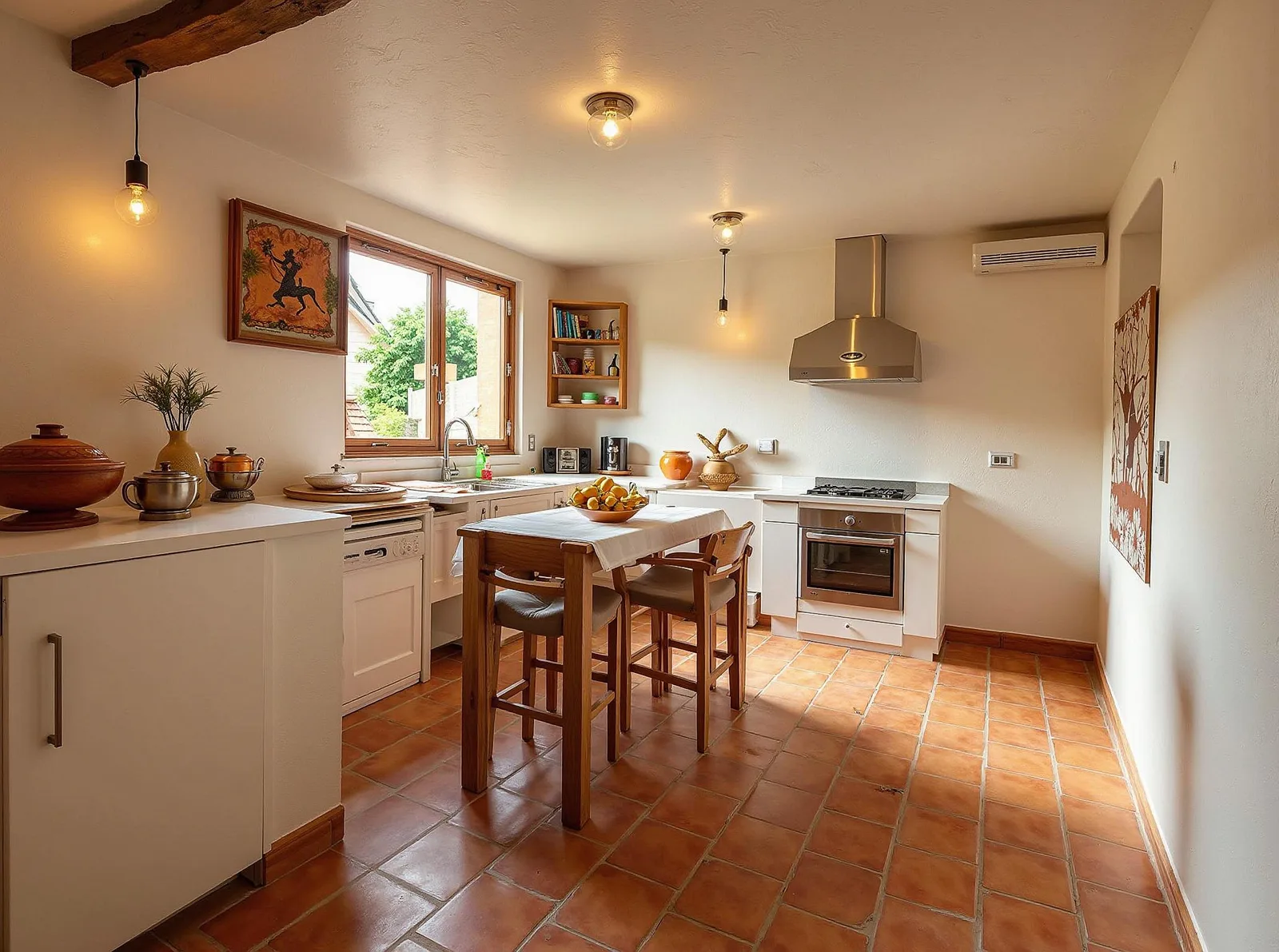
Honey Oak Kitchen
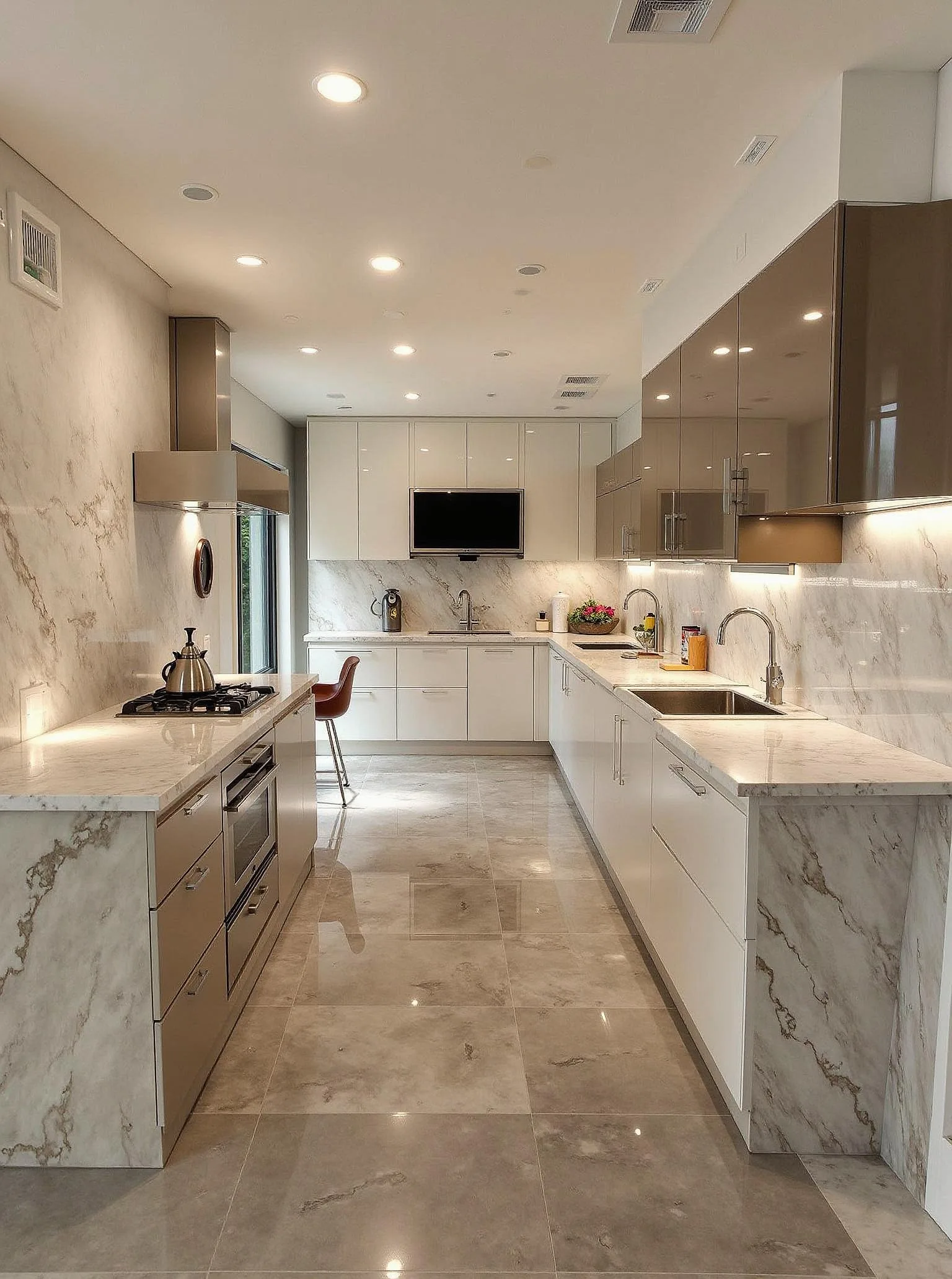
Cozy Wood Kitchen
Why Use JanvAI for Your Room Design?
See a design direction in your own room before spending on furniture or paint. JanvAI helps homeowners compare finishes, renters explore decor changes, and property professionals visualize empty spaces. Start with your free generation, compare it with the original, and download the result to make the next conversation about your room more concrete.
When you need more designs, Pro includes 100 generations per month and Premium includes 200. Monthly allowances reset without rollover; credit-funded designs use 1 credit each.
Frequently Asked Questions
Is AI room design free?
Yes. Sign in for one free successful generation with standard design options, with no payment required. This is a one-time allowance across JanvAI's design tools, not a daily refill. After it is used, continue with a paid subscription or purchased credits at 1 credit per generation. Pro includes 100 generations per month and Premium includes 200; some options require a subscription. Using the free allowance does not start a paid subscription.
What types of rooms can I redesign with AI?
Try living rooms, bedrooms, kitchens, dining rooms, home offices, and apartments. Empty rooms can be virtually furnished too. Choose the matching room type from the available options and use a clear photo that shows the space you want to change.
Do I need any interior design experience?
No. Upload a room photo, choose a room type and style, then generate a design. You can compare the result with your original photo and download it to discuss ideas with family, a designer, or a contractor.
How realistic are the AI-generated designs?
JanvAI creates photographic design concepts based on your room photo. Results depend on the photo and selected style; furniture, proportions, and architectural details can change. Use the images for inspiration and check measurements, materials, and feasibility before buying or renovating.