AI Landscape Design
Upload a photo of your yard, pick a style, and see your new landscape in seconds.
Upload your garden photo for AI landscape redesign
Upload your garden photo
Drag & drop or click to browse
Supported formats: JPG, PNG, WEBP
Or choose from examples
Design Style
Real AI Landscape Design Results
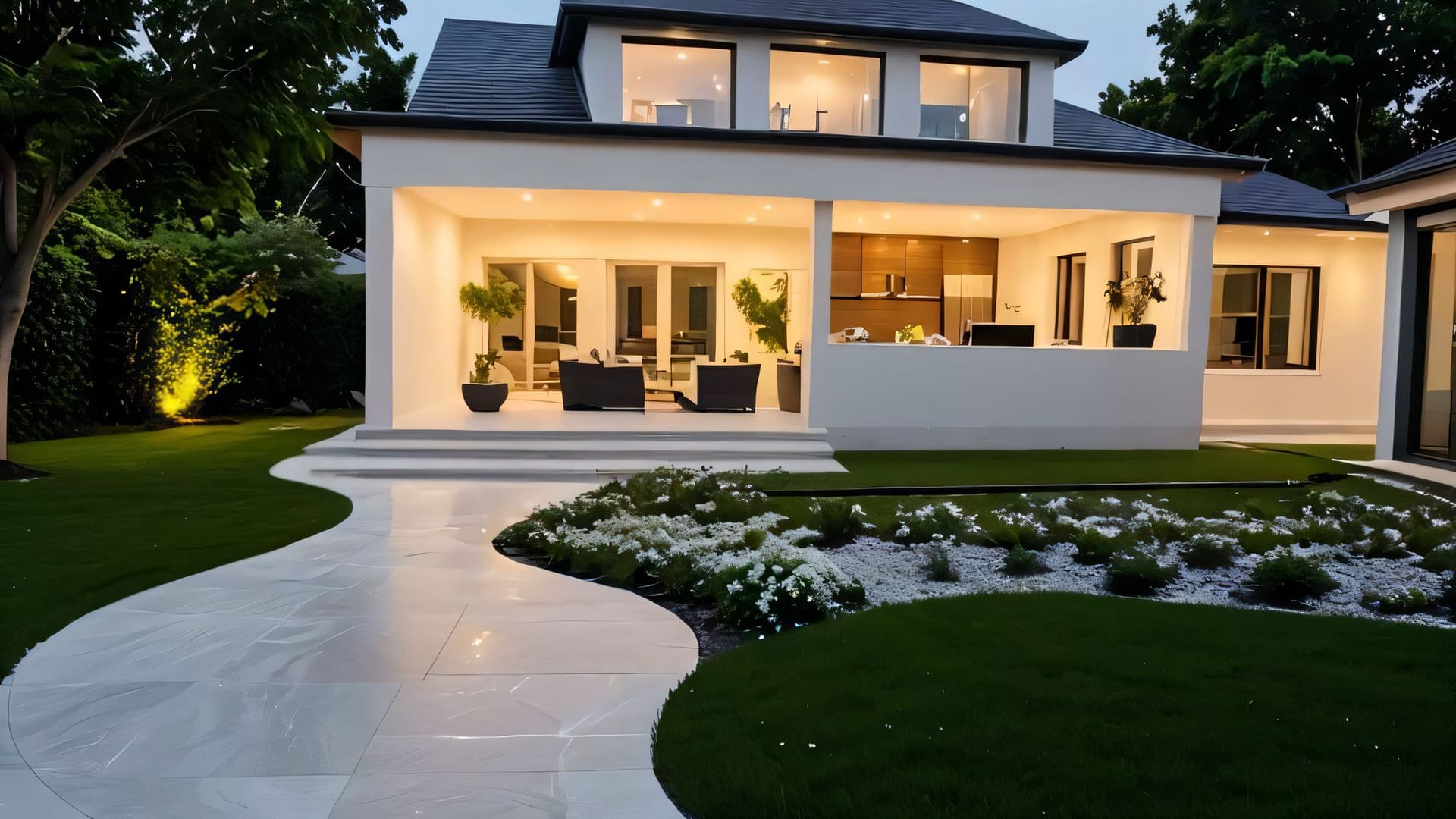
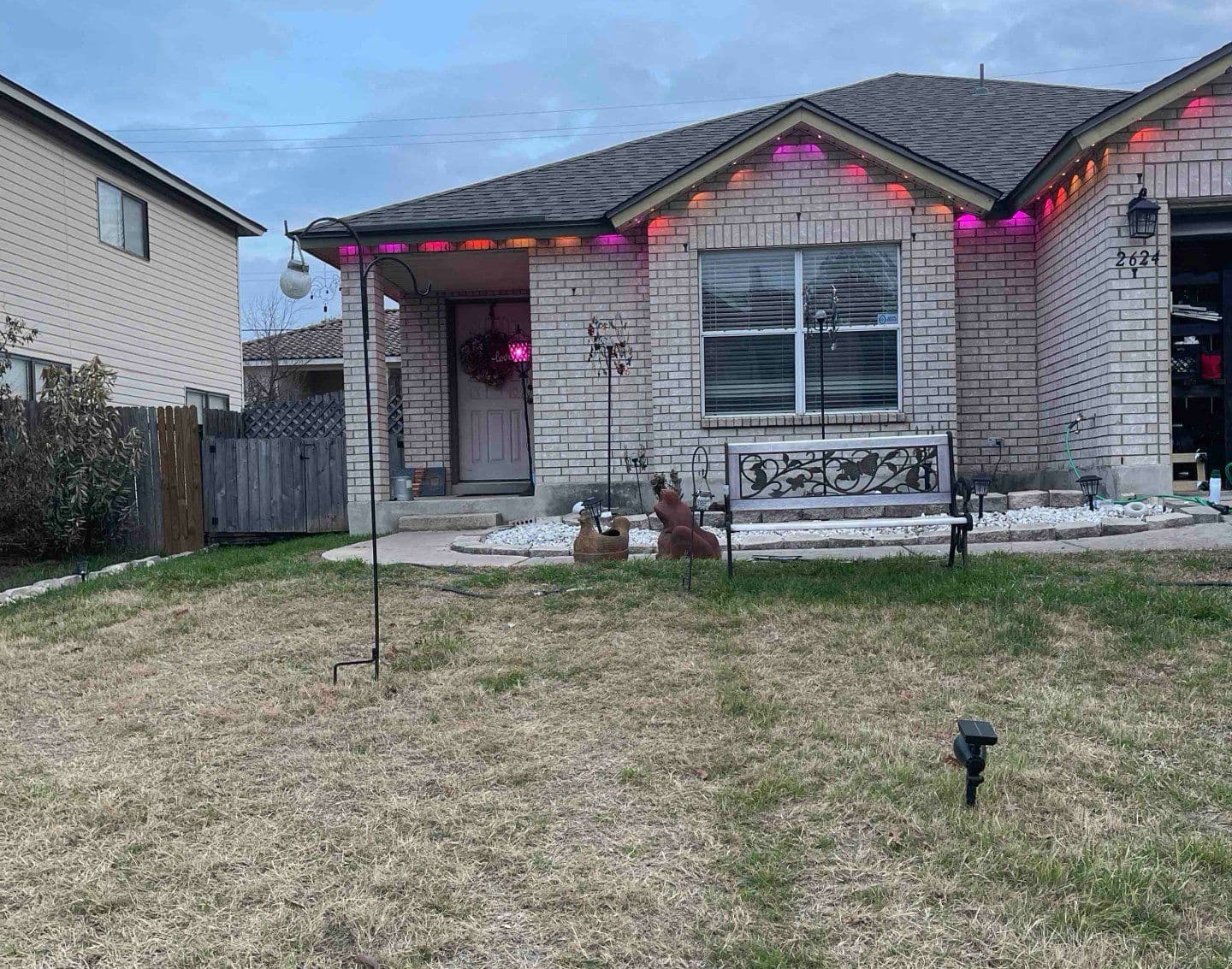
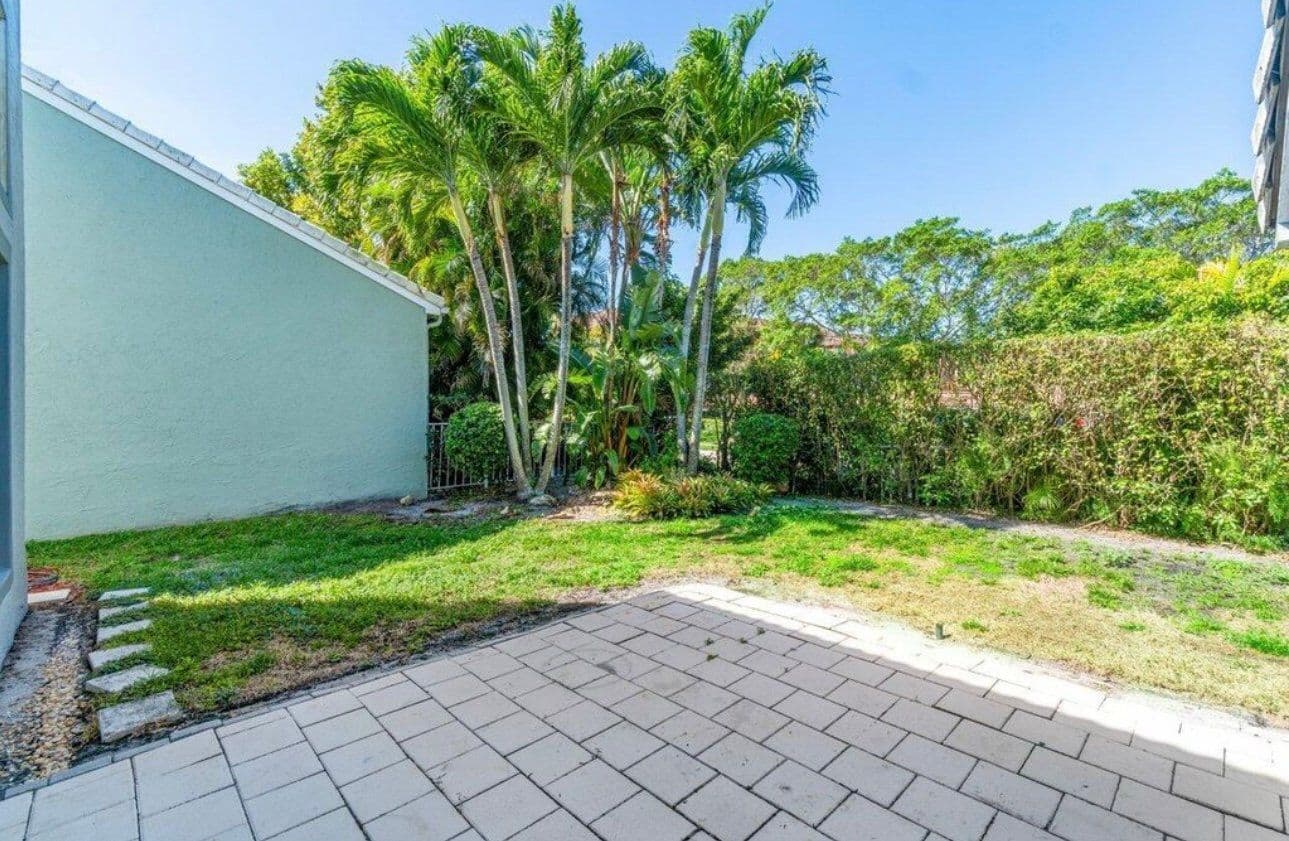
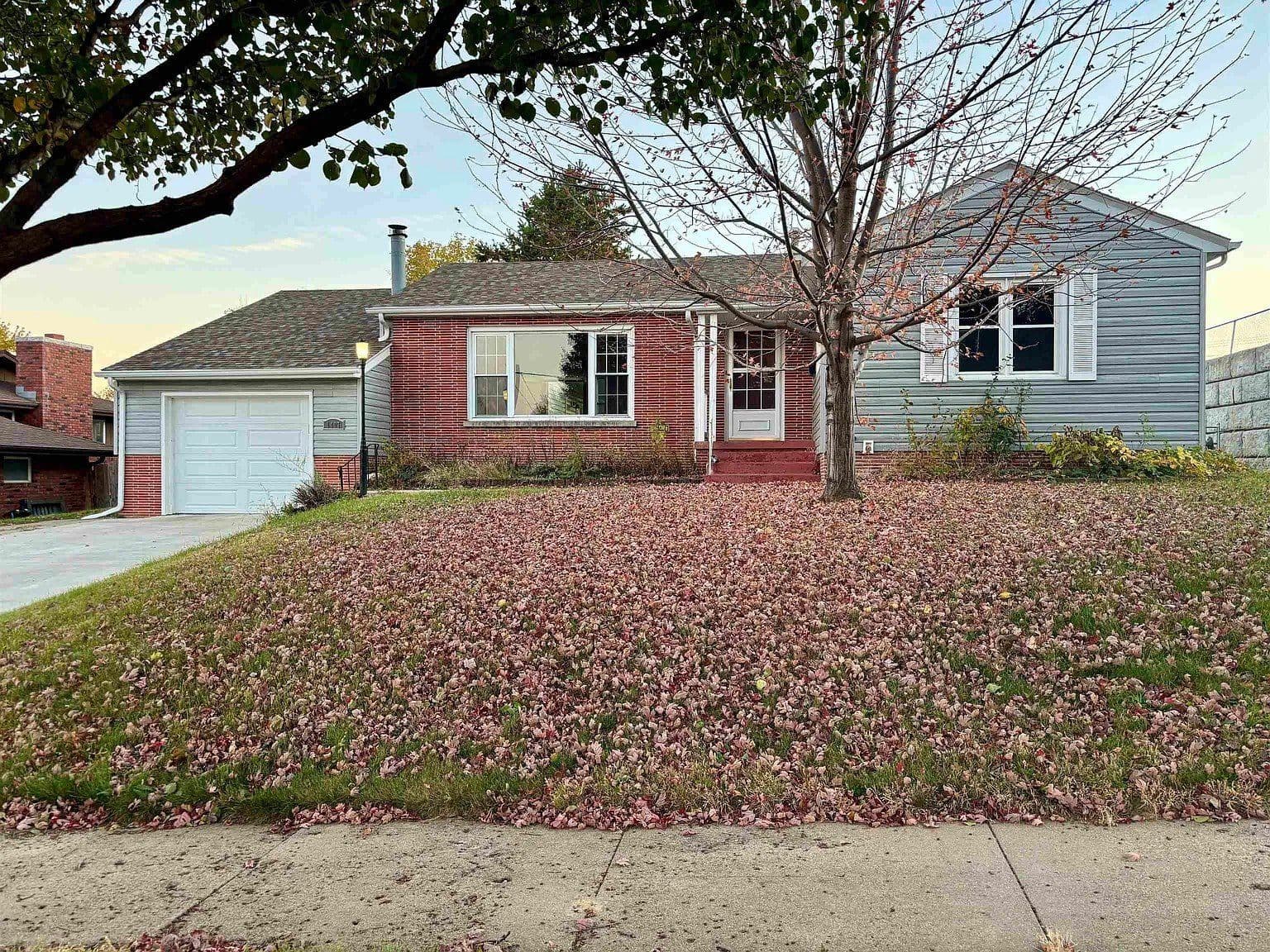
Illustrative AI-generated comparisons created for this page, not JanvAI tool output or customer projects. Before images show ordinary spaces; after images illustrate possible redesigns.
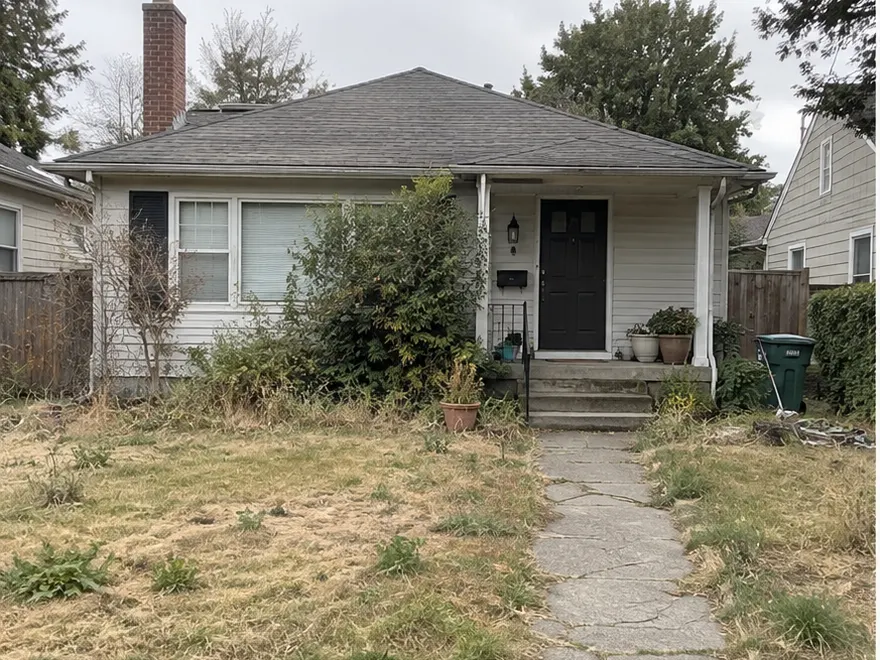 before
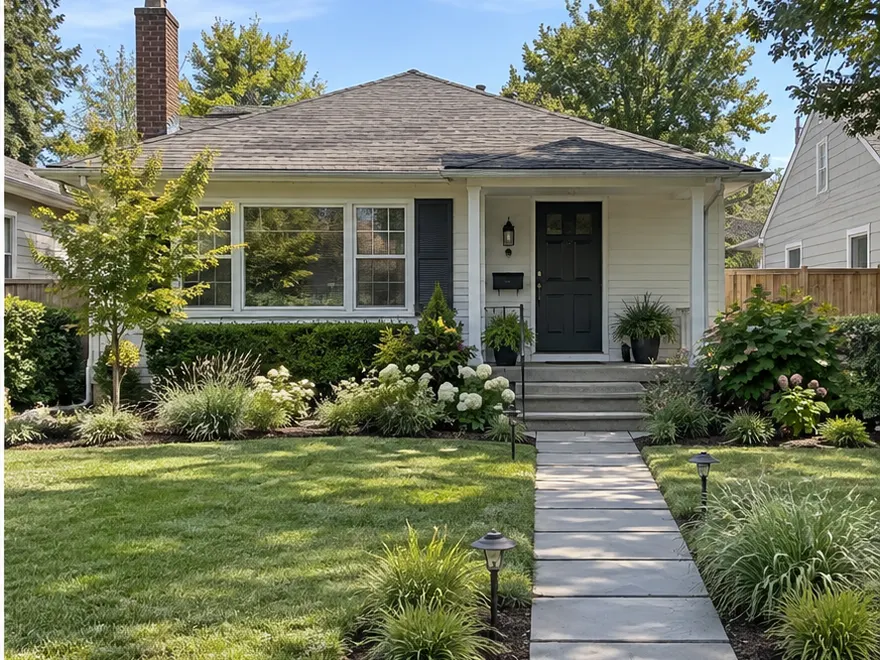 after
after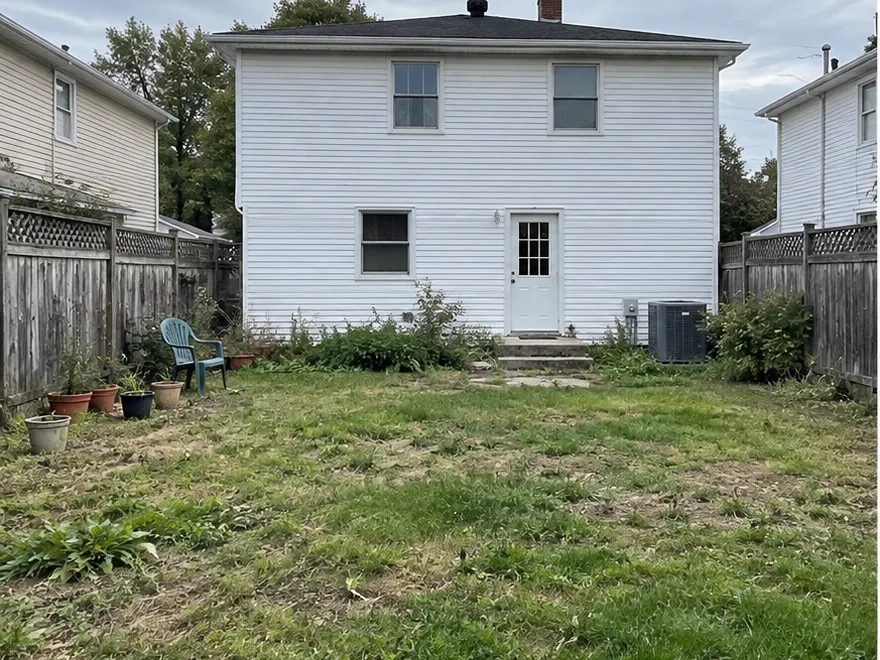 before
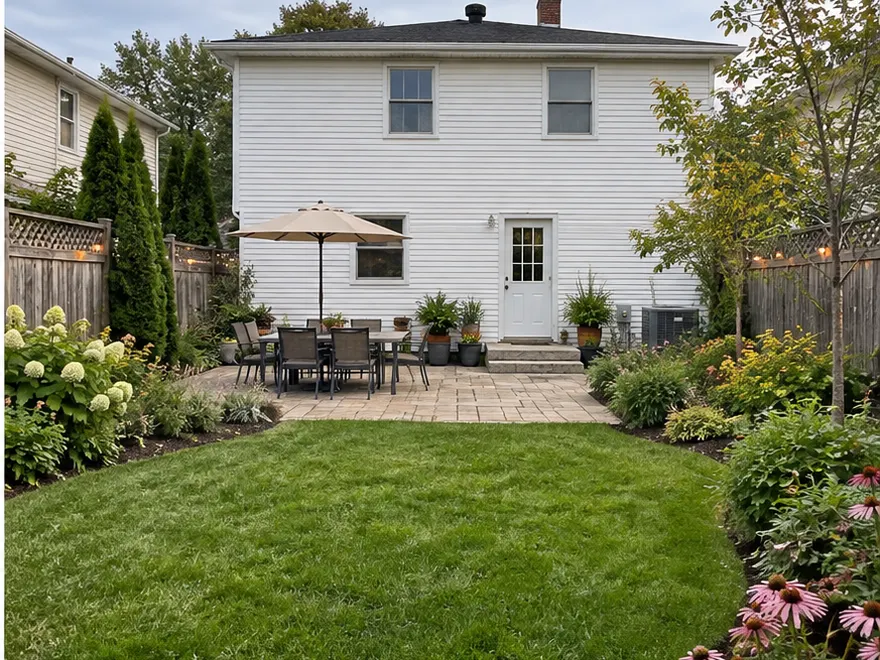 after
after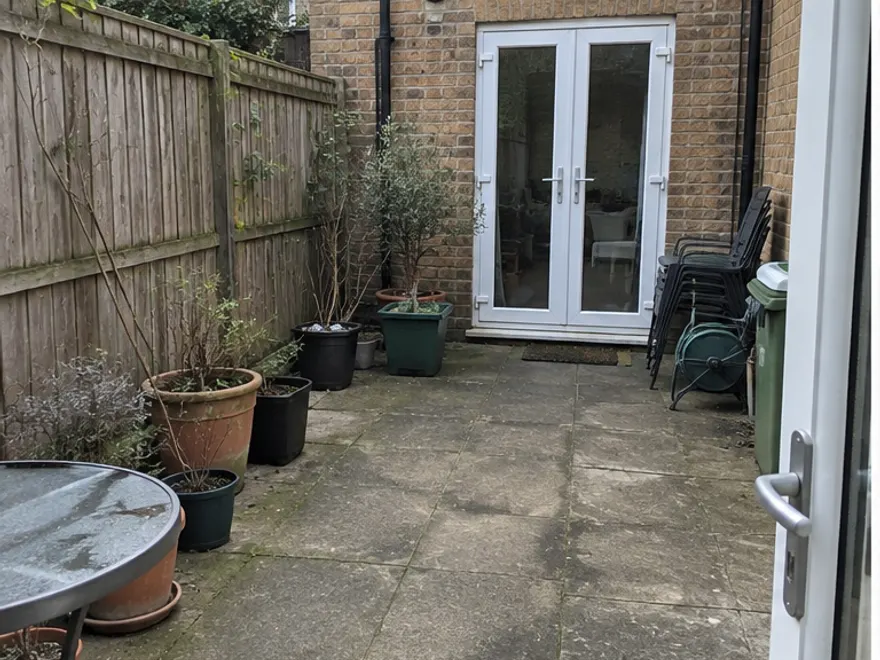 before
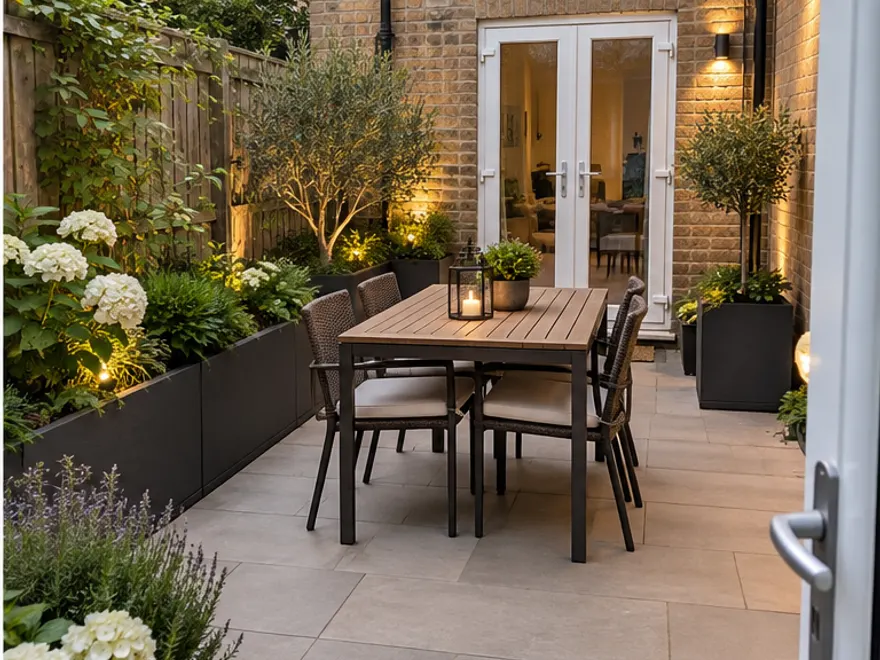 after
after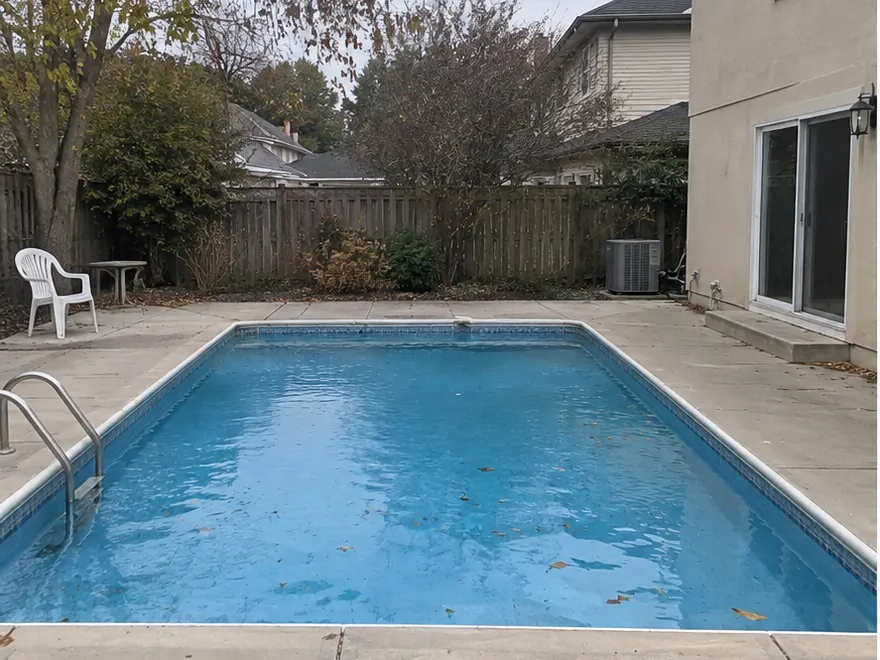 before
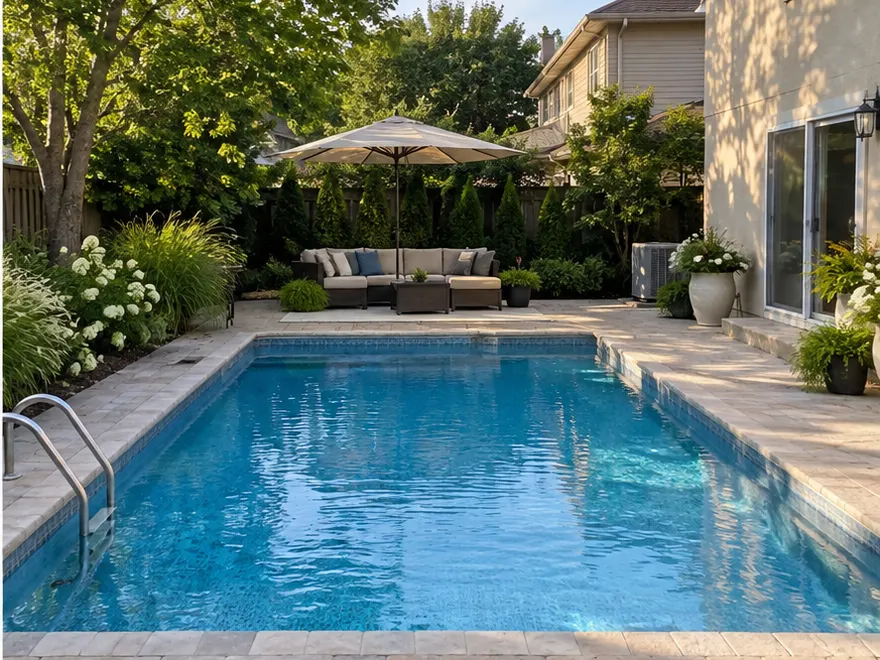 after
after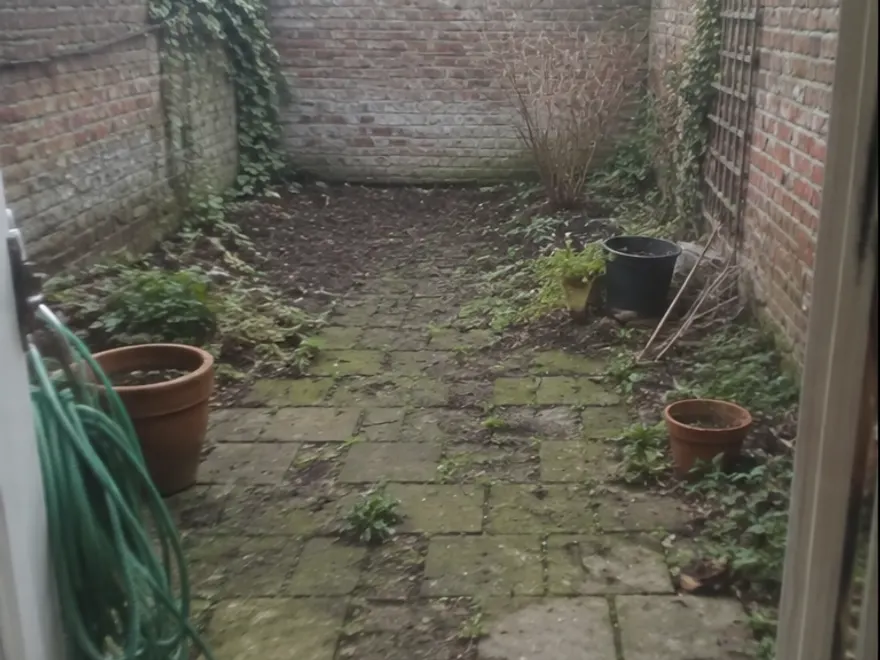 before
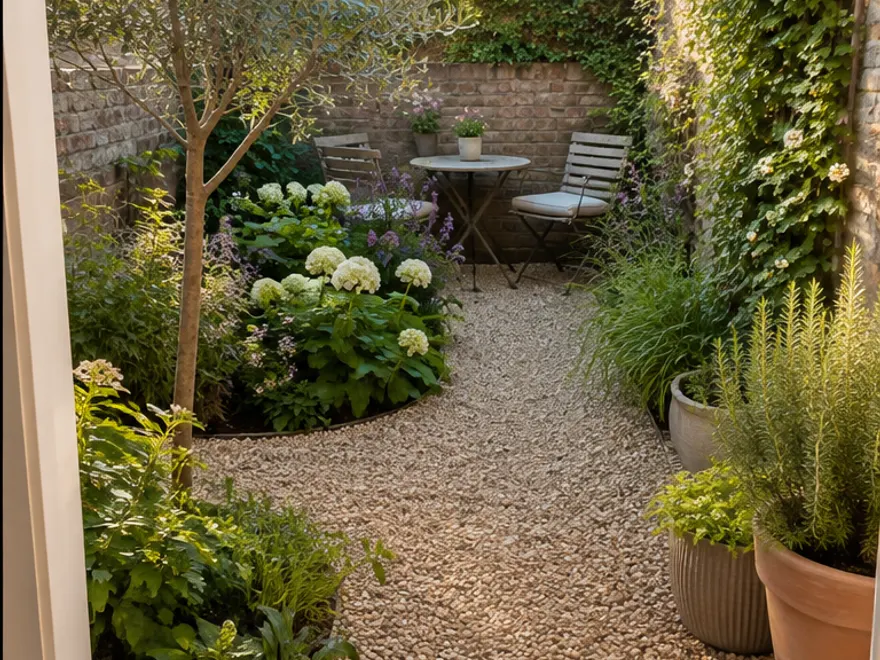 after
after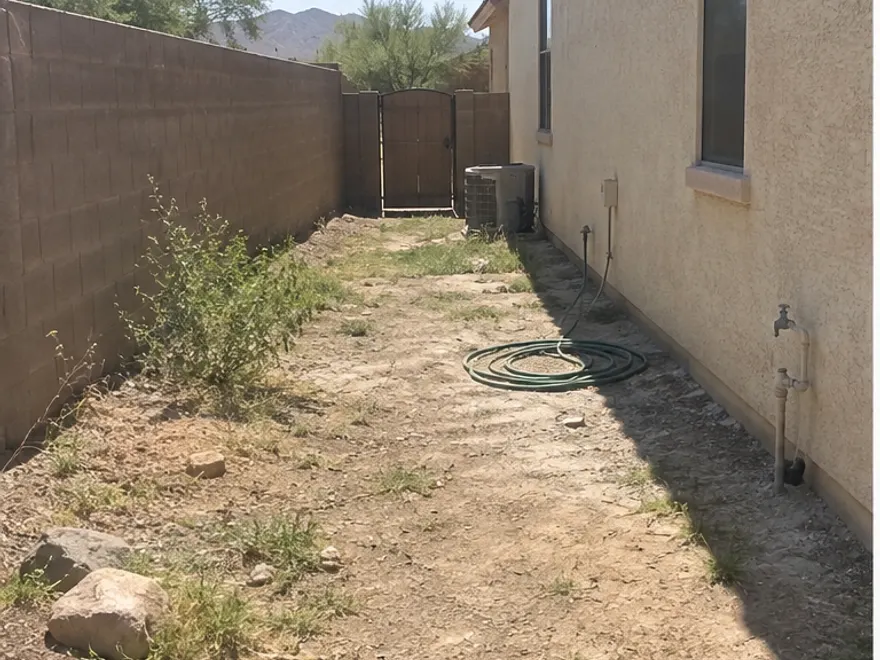 before
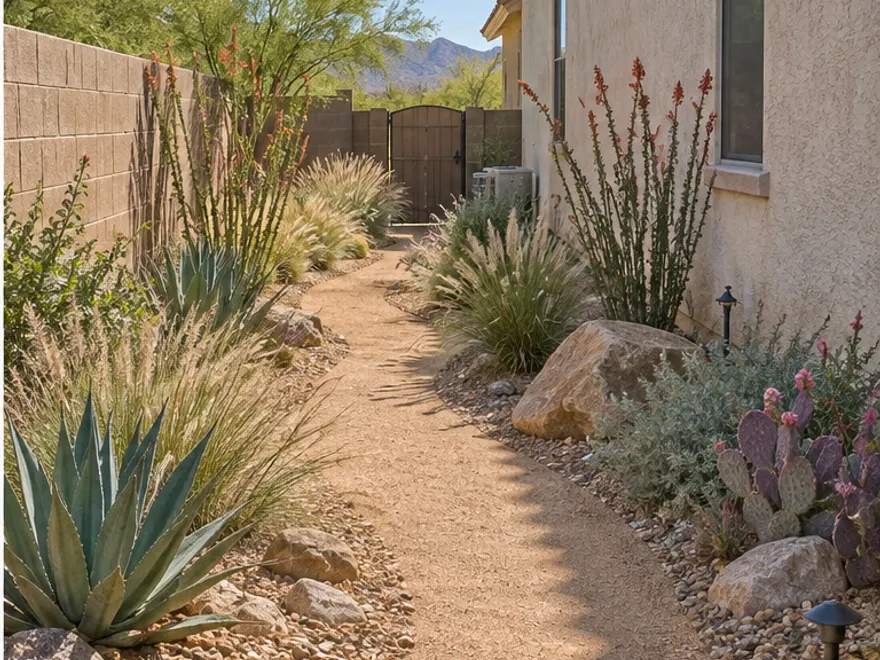 after
afterWhat Is AI Landscape Design?
AI landscape design turns a photo of an outdoor space into a visual redesign concept. Also called AI garden design or landscape design AI, it helps you compare planting, paths and outdoor living ideas without first drafting a detailed plan.
Use it to explore front yards, backyards, patios and small courtyards, including spaces where hardscaping matters as much as plants. The image is a starting point for discussion, not a guarantee that a particular plant, material or layout will work on site.
Design Your Outdoor Space
Landscape Planning
Explore layouts for paths, planting zones and outdoor living areas before committing to a plan.
Plant Selection
Preview different combinations of trees, shrubs and flowers, then check which plants suit your local climate.
Hardscaping
Visualize patios, decks, fire pits and walkways alongside the planting rather than in isolation.
How AI Landscape Design Works
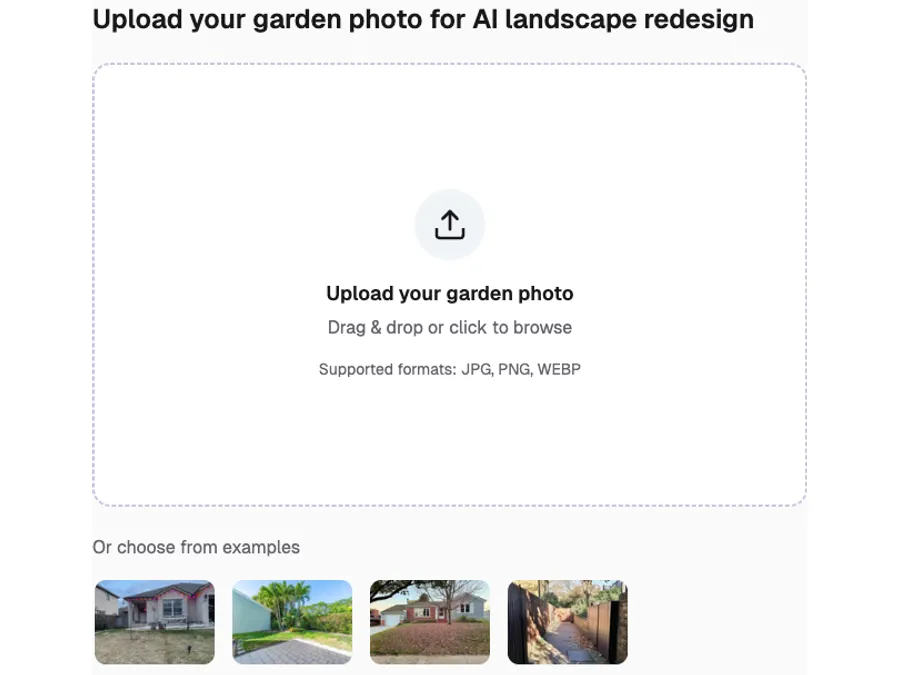
Upload Your Garden Photo
Add a clear photo of the yard, patio or courtyard you want to change. The uploaded space becomes the starting point for your concept.
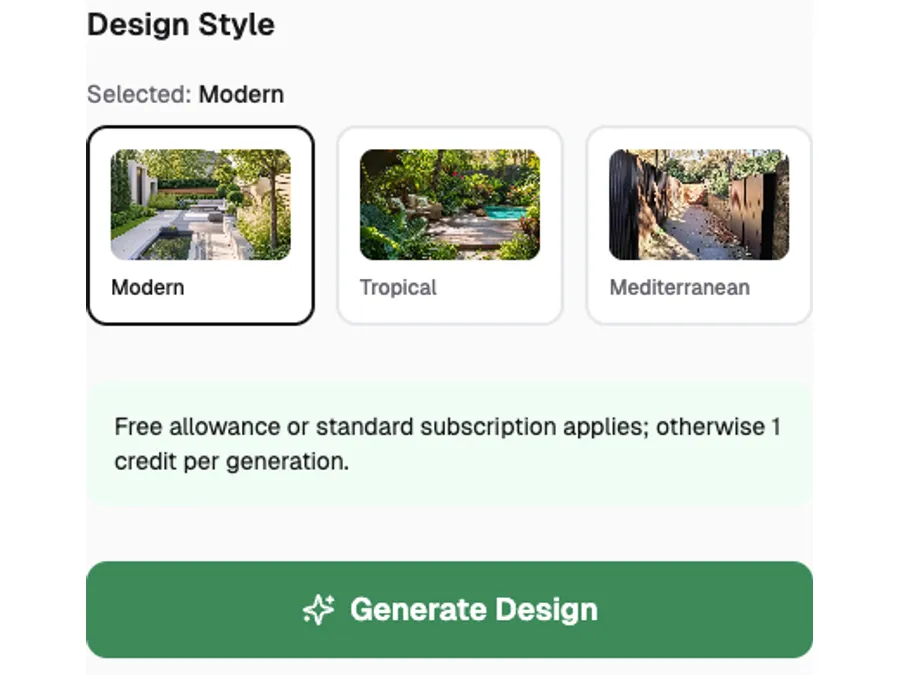
Choose a Landscape Style
Pick an available style such as Modern, Mediterranean, Tropical or Zen, then compare directions for the same space.
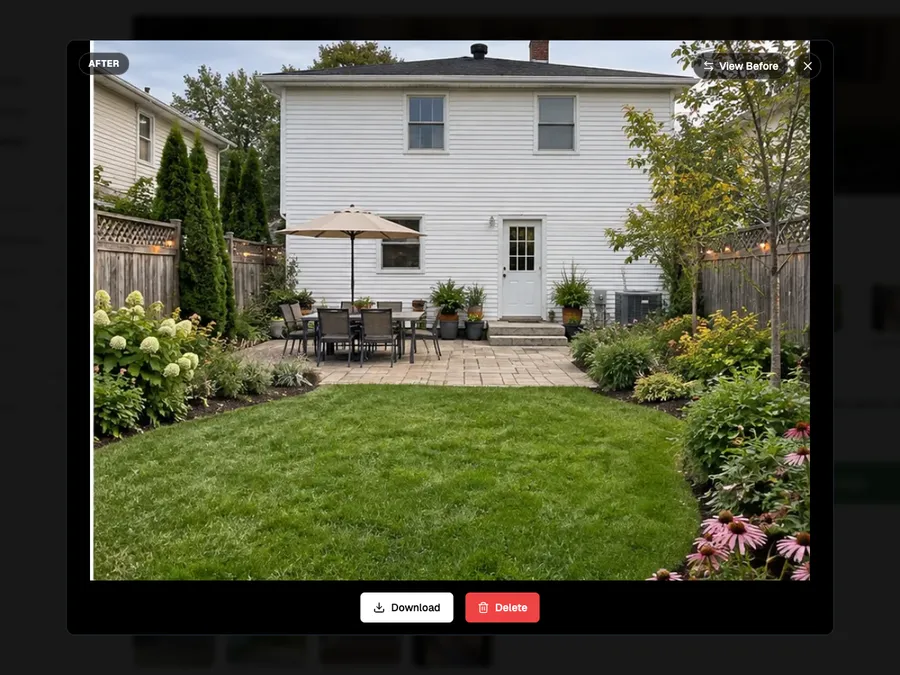
Get Your AI Garden Design
Generate a landscape concept, compare it with your original photo and download the result to revisit later.
Landscape Design Styles
Explore six visual directions below, then choose from the styles currently available in the tool above.
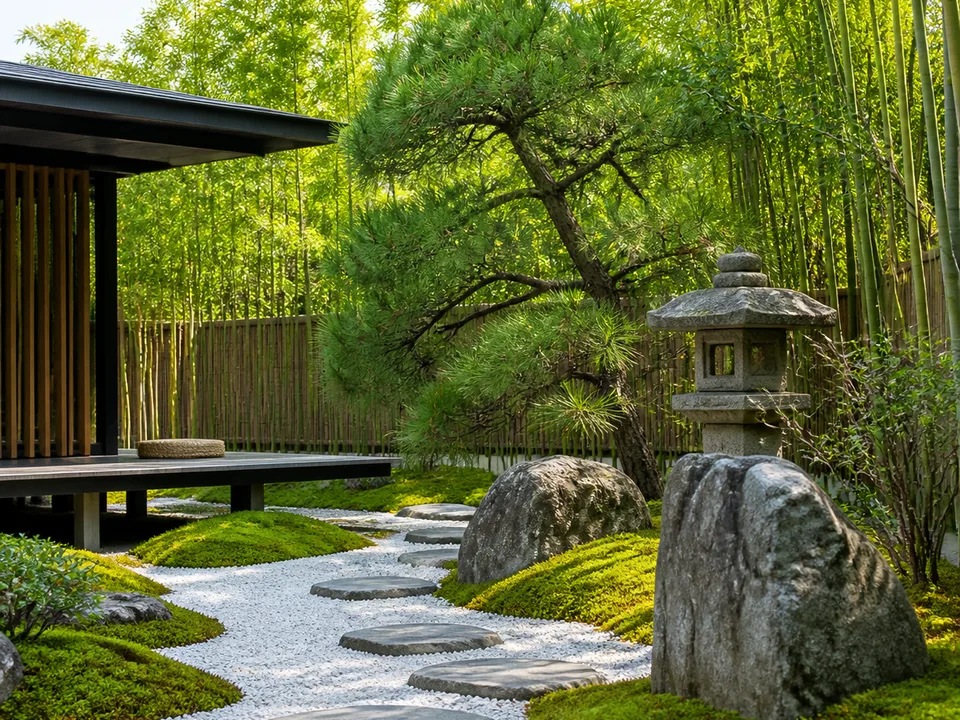
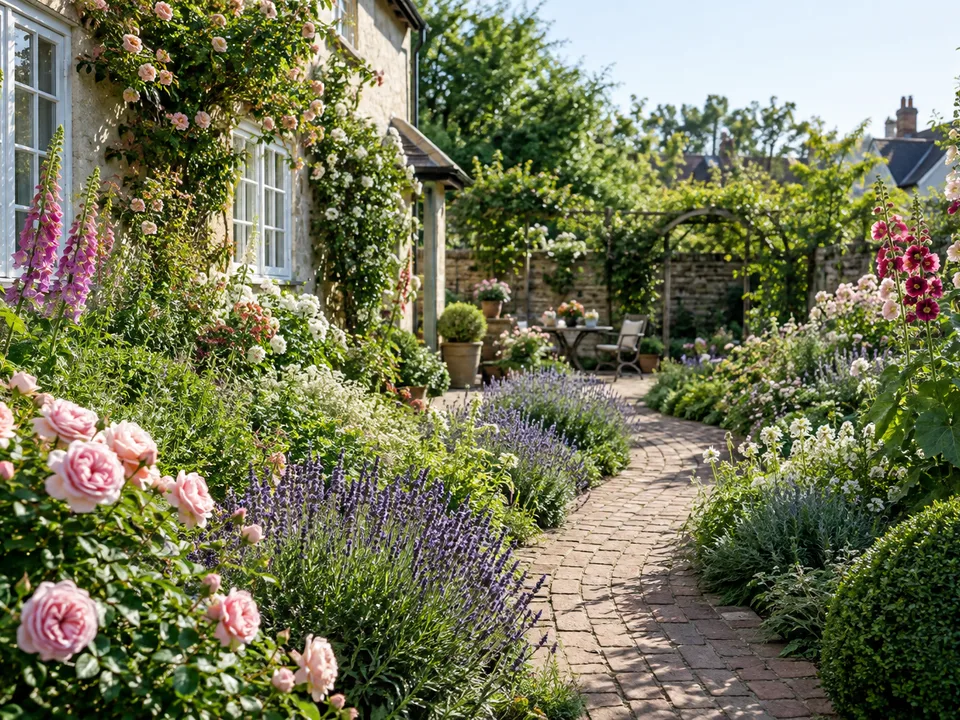
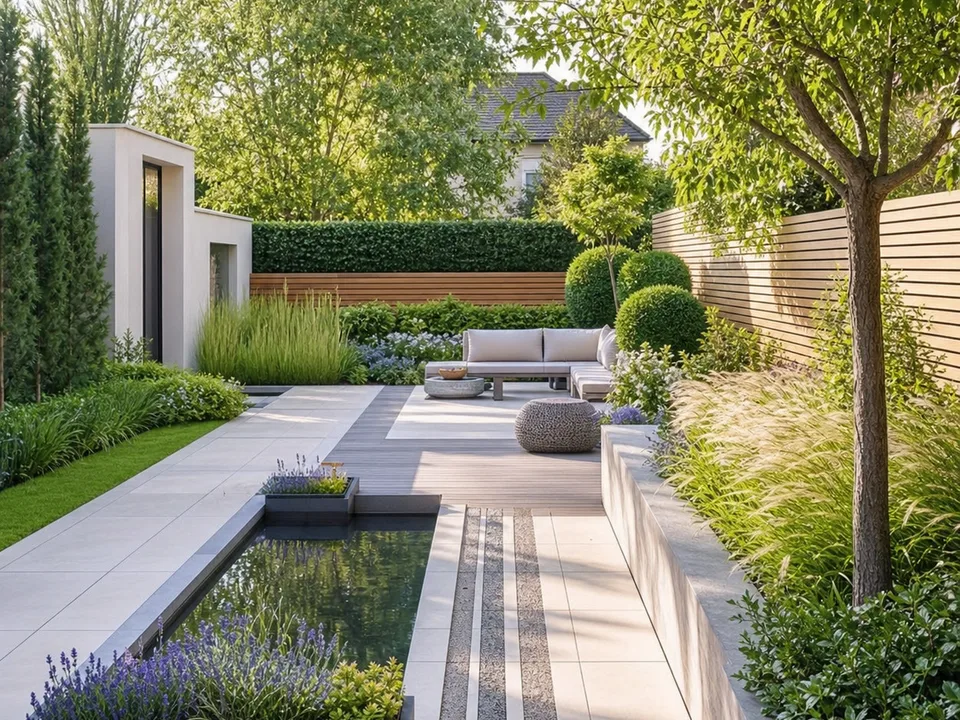
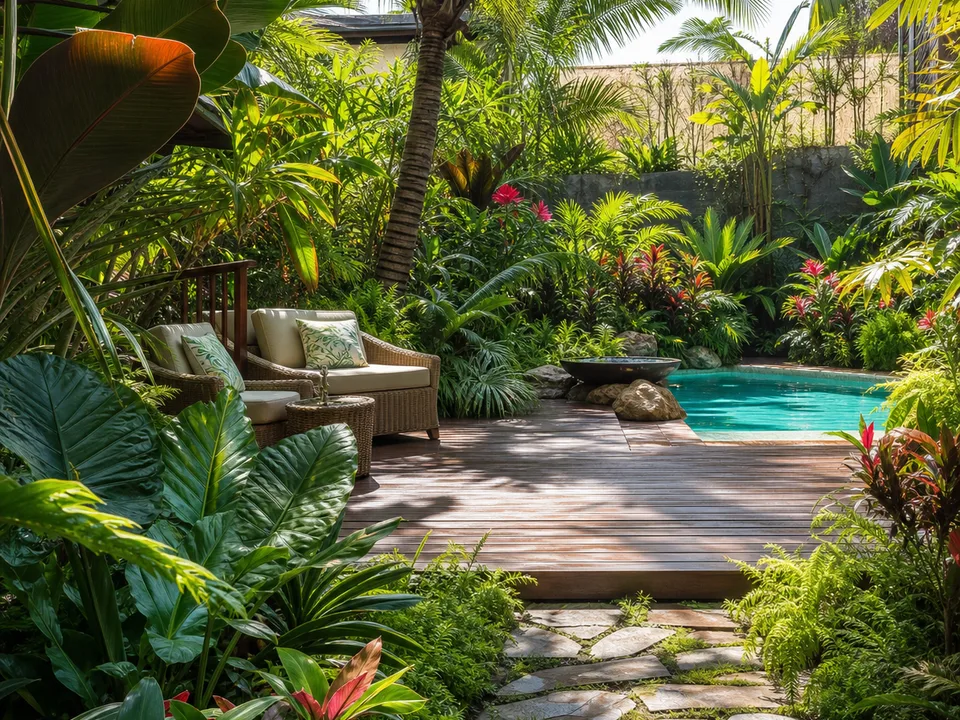
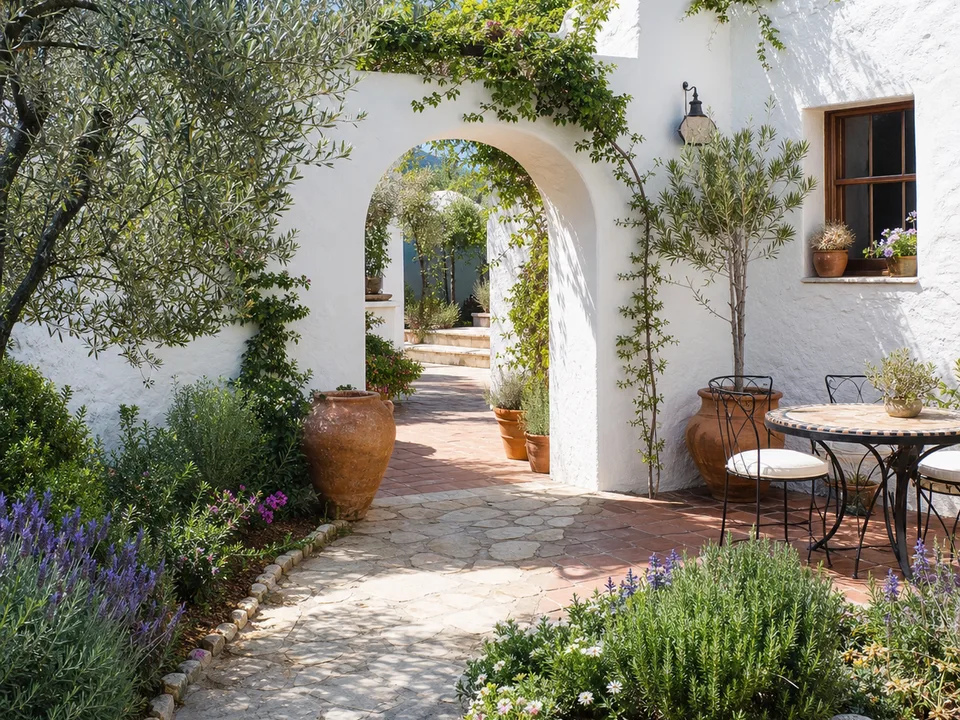
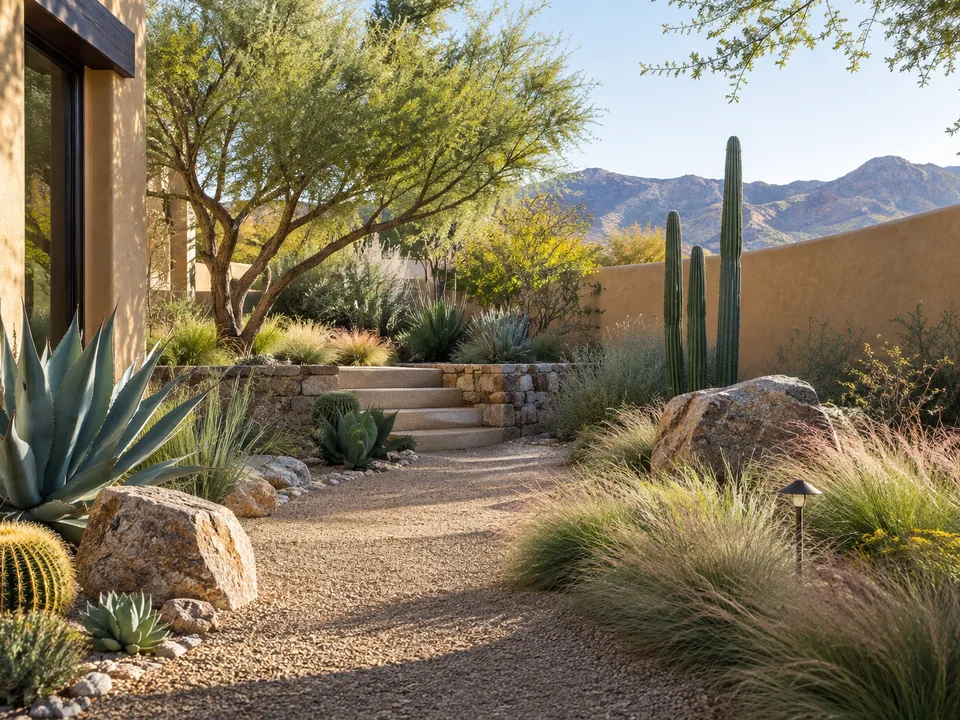
Gallery directions are illustrative; available generation styles may differ.
Why Try AI Yard Design Before Hiring a Landscaper?
A professional landscape plan can be valuable, especially for grading, drainage and construction. AI yard design offers a lower-commitment way to explore the look of a project first, so you can bring clearer preferences to a paid consultation.
With AI backyard design, you can compare a patio, a planting-heavy layout and a simpler low-maintenance option using the same photo. That visual trial and error helps narrow the brief before anyone prices materials or schedules work.
Seasons, sunlight, soil and plant compatibility still need local judgment. Use generated views to discuss tradeoffs, then check mature plant size, irrigation needs and sun exposure before choosing what to install.
AI Landscape Design Free Use & FAQ
Is AI landscape design free?
You get one free successful generation after signing in with standard options. That one-time allowance is shared across JanvAI design tools. After it is used, continue with a subscription allowance or 1 credit per garden generation; a paid plan does not start automatically.
Can I redesign my backyard without hiring a landscaper?
Yes. AI backyard design can help you explore layout, planting and patio ideas from a photo before you hire anyone. It is a visual concept, not a planting plan or construction drawing; check measurements, drainage and local requirements with a professional before building.
What types of outdoor spaces can I design with AI?
You can explore ideas for front yards, backyards, patios, courtyards, terraces, poolside areas and dry-climate yards. A clear photo showing the area you want to change gives you a better starting point.
Do I need landscaping experience?
No. Upload a photo, choose an available style and generate a concept. You can compare the design with the original and use it to discuss practical choices with a landscaper or garden center.
Redesign Your Garden with AI Landscape Design
Upload a photo and explore a new direction for your outdoor space.
Get Started FreeExploring indoor spaces? See AI room design. Updating the house as well as the yard? Try AI house exterior design.