AI Interior Design Tool for Interior Designers
Explore visual directions from a photo of your client's room. Choose a style, review the concept, and use it to start a more specific design conversation.
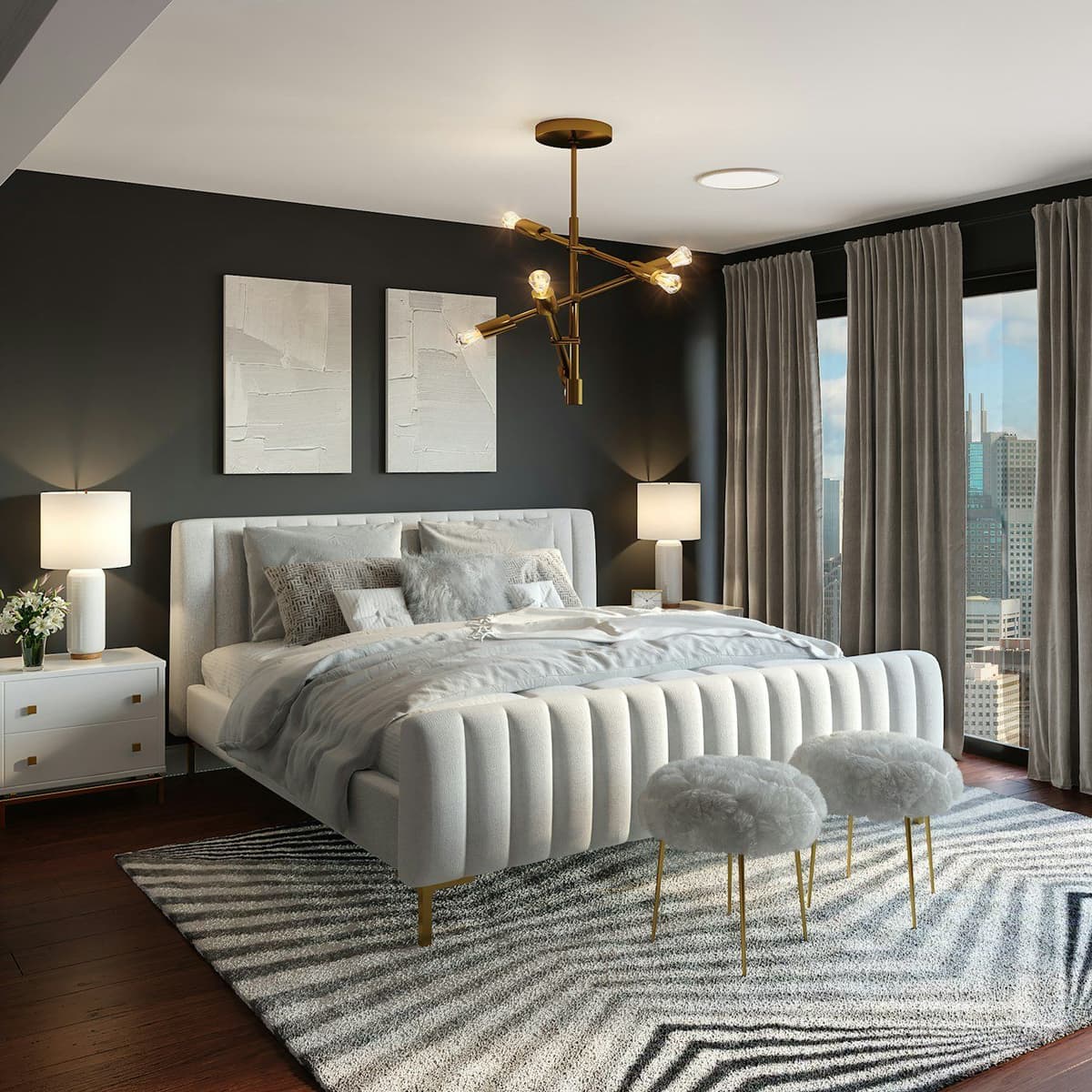
Why Interior Designers Use AI Interior Design
Interior designers worldwide are using AI interior design to streamline their design process and deliver interior design visuals faster.
Faster Interior Design Workflow
Use a room photo to create an early visual direction before building a detailed model or selecting products. Review the output before presenting it to a client.
Visuals for Early Client Conversations
Show a few concept directions from the client's room photo and use them to discuss color, furniture, and mood before finalizing a plan.
30+ Interior Design Styles
Interior designers can explore 30+ interior design styles, including Modern, Scandinavian, Industrial, Bohemian, Mid-Century Modern, Japandi, and Coastal. Apply a style to a real room photo and see the design transformation.
Explore Design Variations
When a client asks for another direction, use your available generations or credits to explore a variant from the same room photo. Review each result before presenting it.
How AI Interior Design Works for Designers
Interior designers create professional interior design visuals in three simple steps.
Upload an Interior Photo
Upload a clear photo of the room you want to explore. The image provides a starting point for a generated concept, not measured dimensions.
Select an Interior Design Style
Choose an available style, such as Modern, Scandinavian, Industrial, or Traditional, to explore a direction for the room.
Download Your Interior Design
Review the generated visual, compare it with the original photo, and download it as a concept for further design work.
Interior Design Styles for Designers
Explore available styles and check each concept against the room photo.
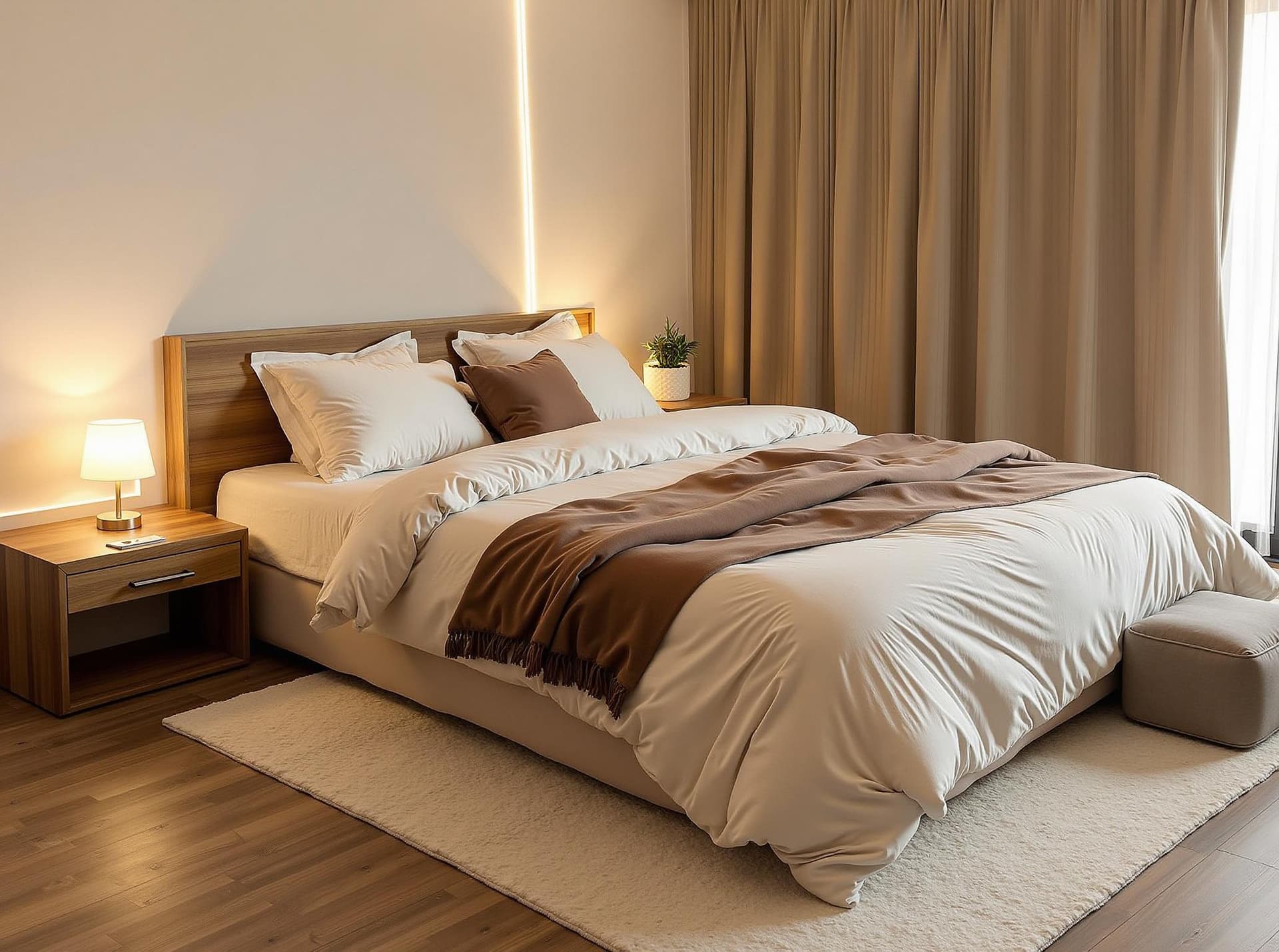
Modern Minimalist Interior Design
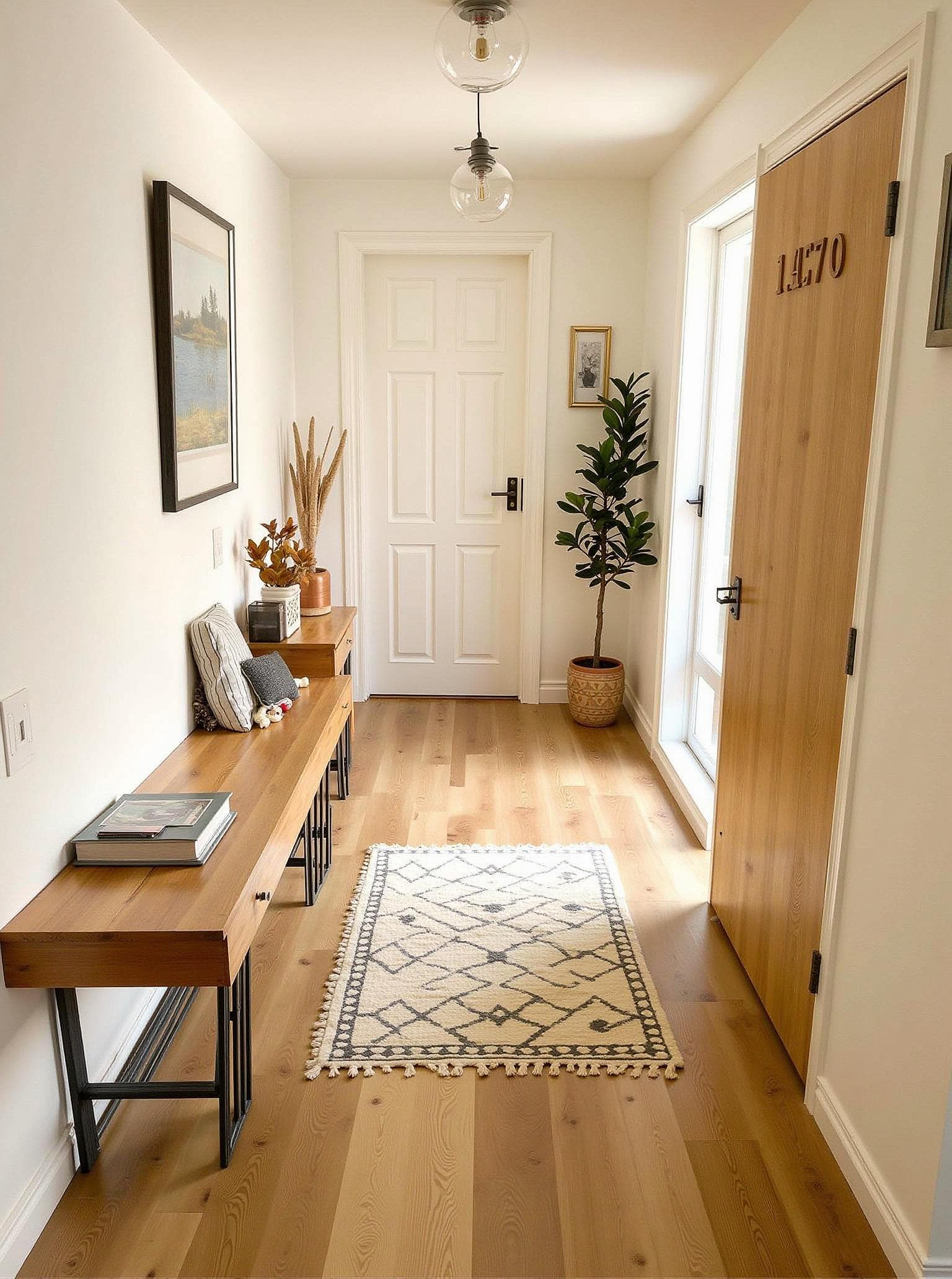
Scandinavian Interior Design
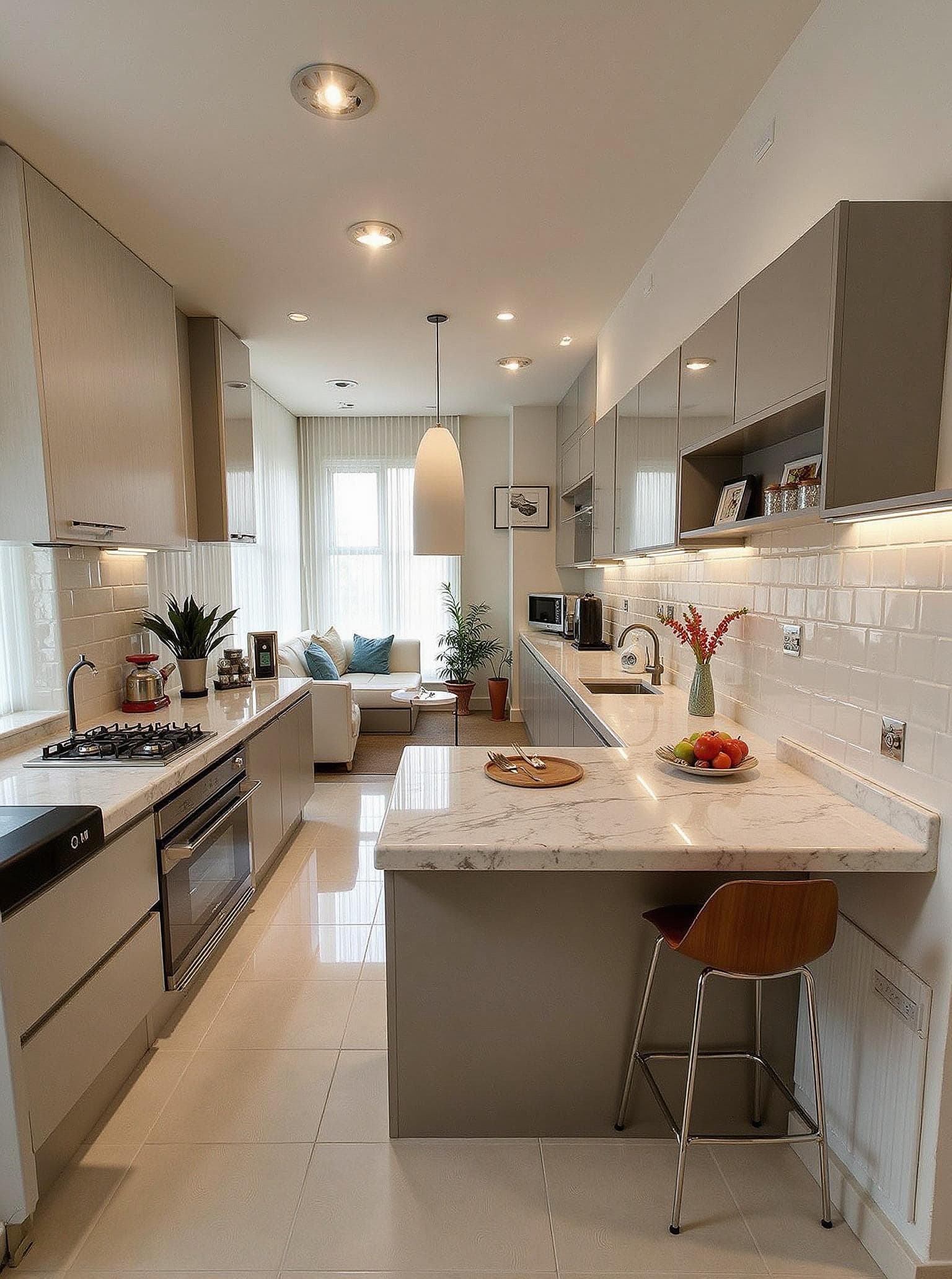
Luxury Interior Design
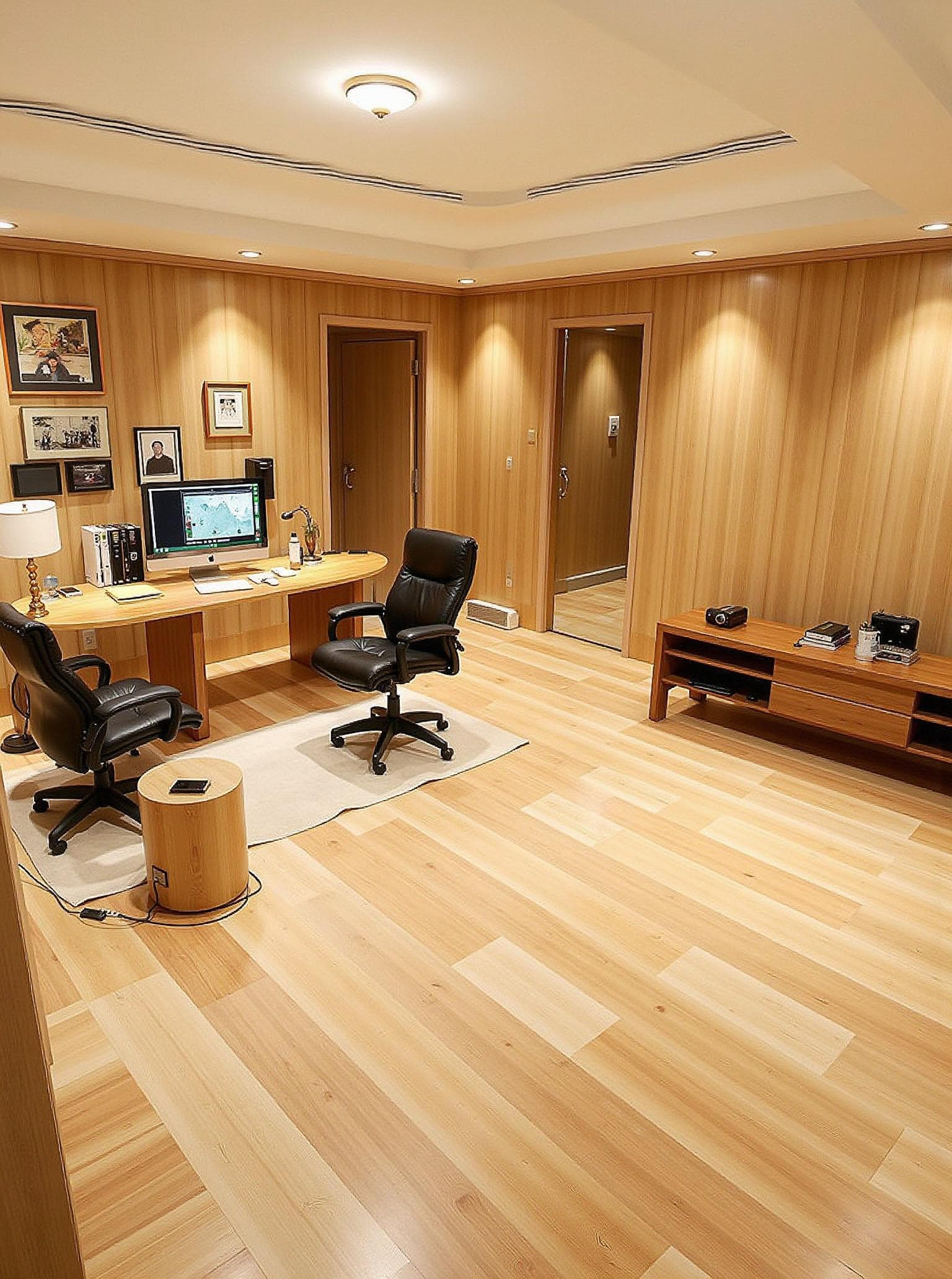
Japandi Interior Design
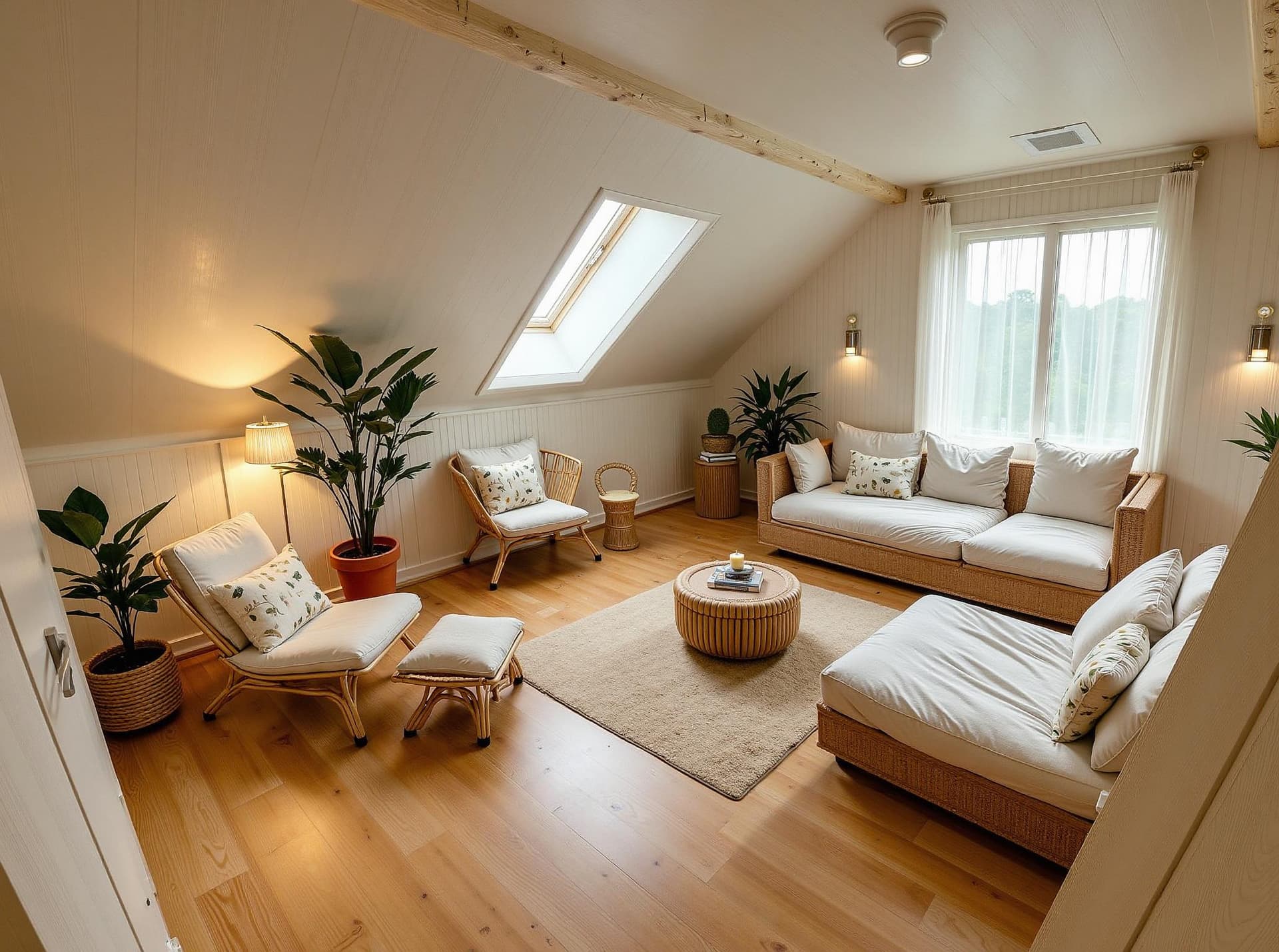
Coastal Interior Design
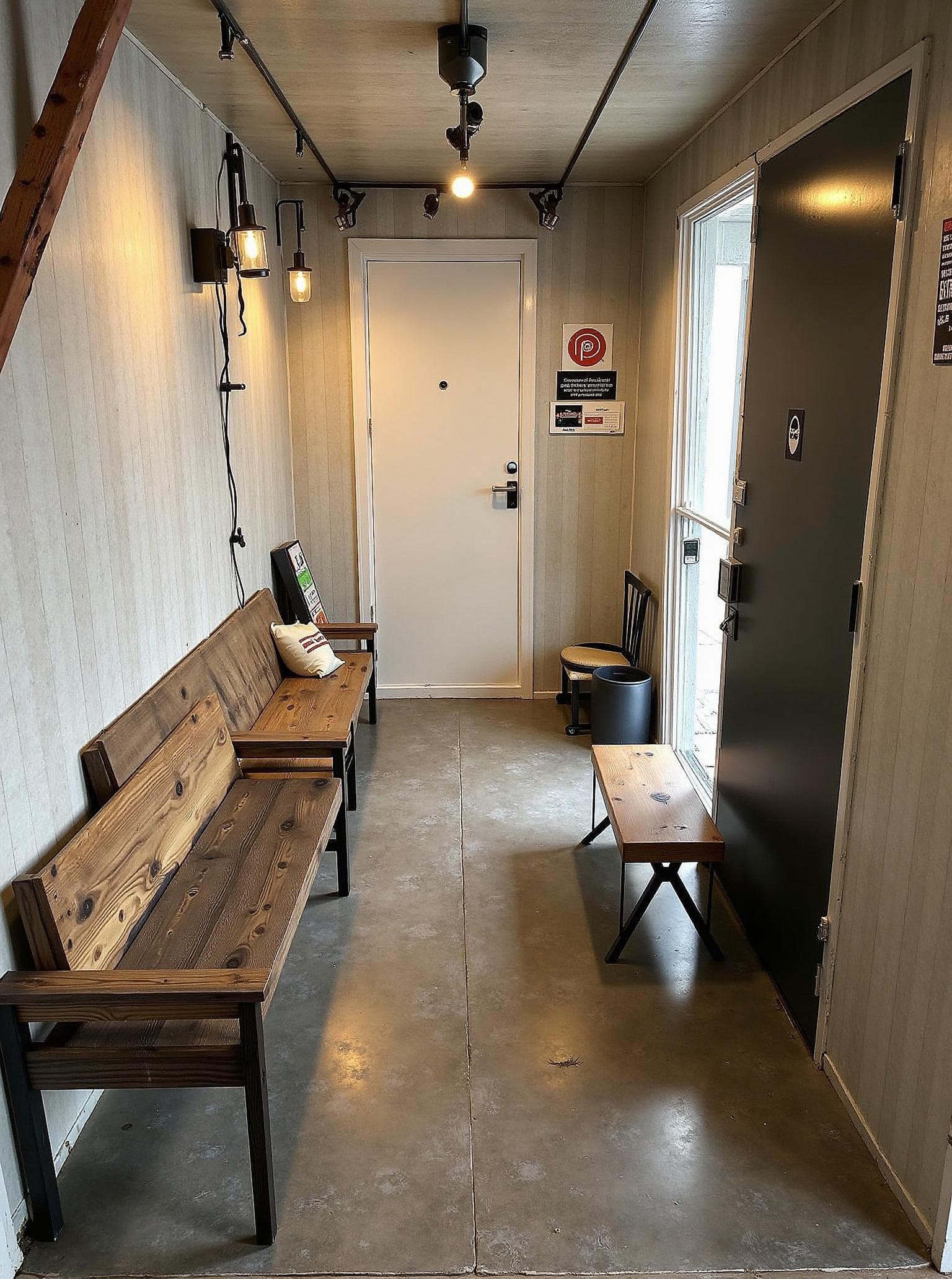
Industrial Interior Design
Where AI Fits in a Designer's Workflow
The first conversation
Some clients find it easier to react to an image of their own room than to a floor plan or mood board alone. Generate a few directions from their photo, then use those concepts to discuss the look they prefer. Each variation uses an available generation or credit.
Revisions
A client may ask to see a lighter floor, darker walls, or a different sofa. Generate another concept when your allowance permits and keep earlier versions for comparison. Review the details before sharing because an AI result may change more than the feature you had in mind.
Presentations and mood boards
Use a render as a visual starting point, then place your proposed materials, finishes, budget, and timeline alongside it. The image helps explain a direction; your specifications define the project.
What it won't do
It will not dimension a plan, specify a product, or replace a site visit. Treat the output as an illustrative concept sketch, not construction documentation or a final client deliverable without your own review.
Explore the JanvAI homepage, review virtual staging guidance for property projects, or open the AI room design tool to try a client photo.
Start Using AI Interior Design Today
Try an illustrative concept from a room photo. One free generation is available after sign-in with standard options.
Get Started with AI Interior Design