AI Living Room Design
Upload a living room photo and explore different furniture, layout, and lighting ideas. Compare each generated concept with the real space before making changes.
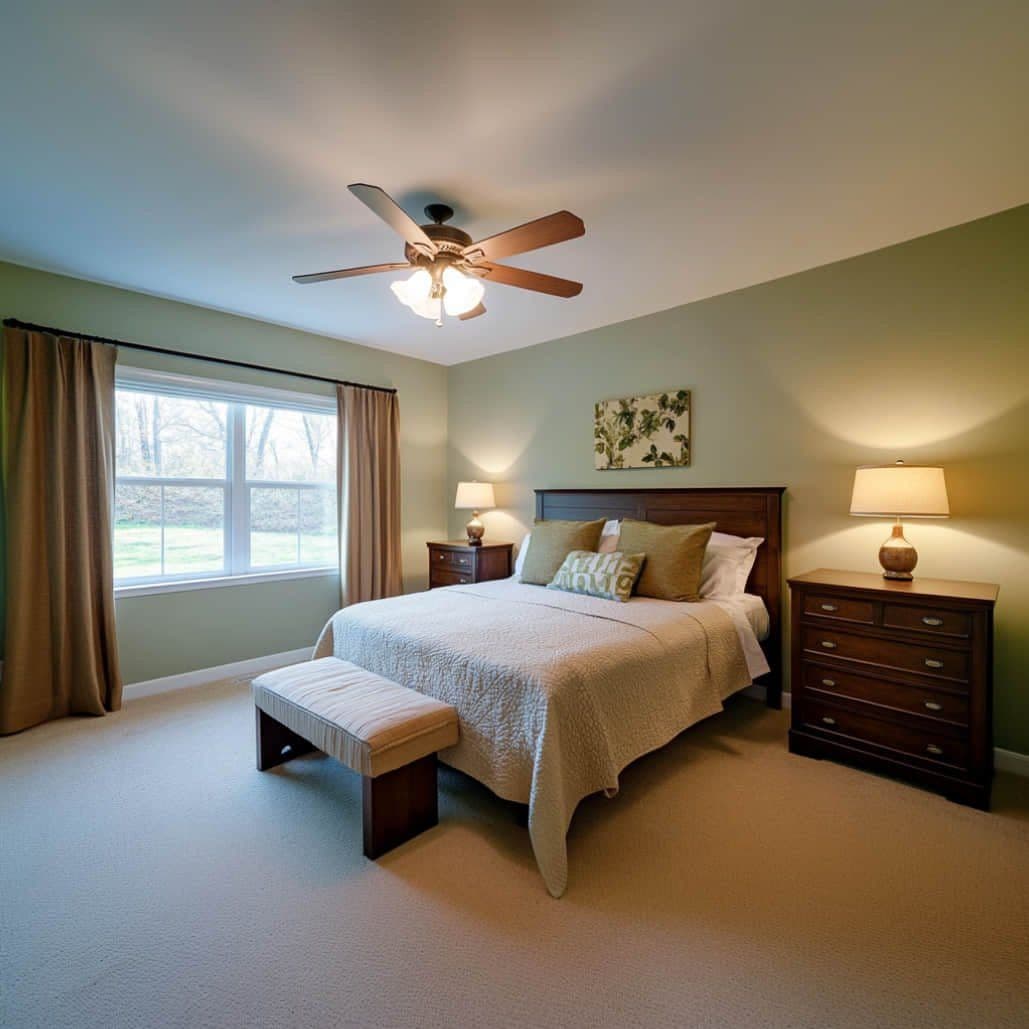
Your Living Room, Reimagined with AI Design
Explore endless living room design possibilities. AI living room design lets you visualize any living room style without moving a single piece of furniture.
Visualize Living Room Design Before You Buy
Use a photo of your space to explore Modern, Coastal, or Bohemian directions. Compare furniture, color, and layout ideas before making purchases, then check dimensions in person.
30+ Living Room Design Styles
Explore a curated library of living room design styles: Modern living room design, Scandinavian living room design, Mid-Century Modern living room design, Minimalist living room design, Coastal living room design, Bohemian living room design, and many more.
Living Room Color & Material Preview
Explore different wall colors, flooring looks, and furniture arrangements from your photo. Check real samples in your own light before choosing materials.
Compare Living Room Designs Side by Side
Generate variations from the same photo as your allowance or credits permit. Compare Modern, Scandinavian, and Coastal ideas while checking each result against the original.
How AI Living Room Design Works
Transform your living room design in three easy steps.
Upload Your Living Room Photo
Upload a clear photo of your living room, whether it is compact or open-plan. Include enough of the room to show the walls, windows, and current furniture.
Pick a Living Room Design Style
Choose a living room design style: Modern living room, Scandinavian living room, Coastal living room, Bohemian living room, Minimalist living room, Industrial living room, or any of 30+ living room design styles.
Get Your Living Room Redesign
Review the generated concept, compare it with your original photo, and download the direction you want to explore further.
Living Room Design Style Gallery
Explore popular living room design styles generated by AI living room design.
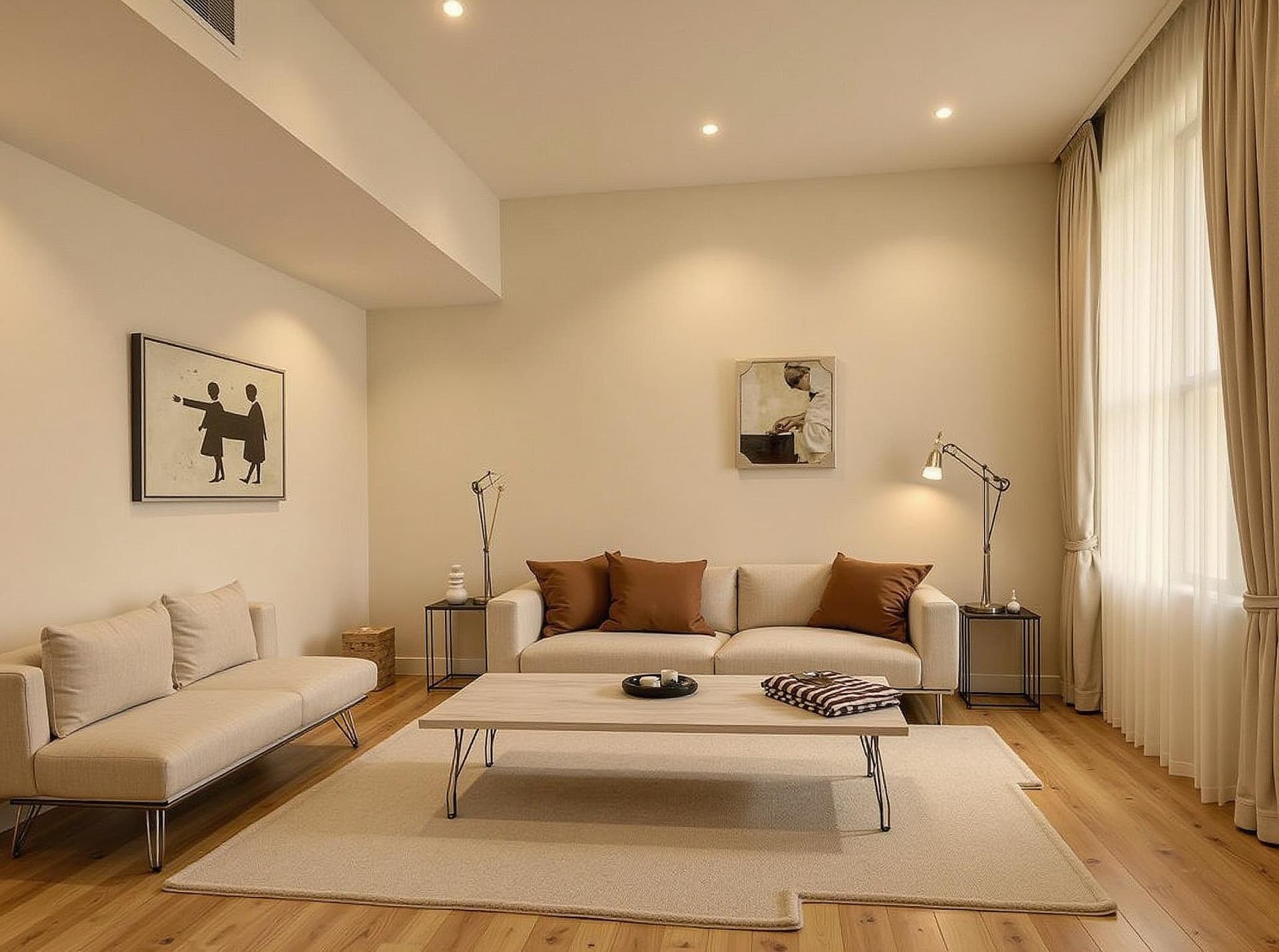
Modern Living Room
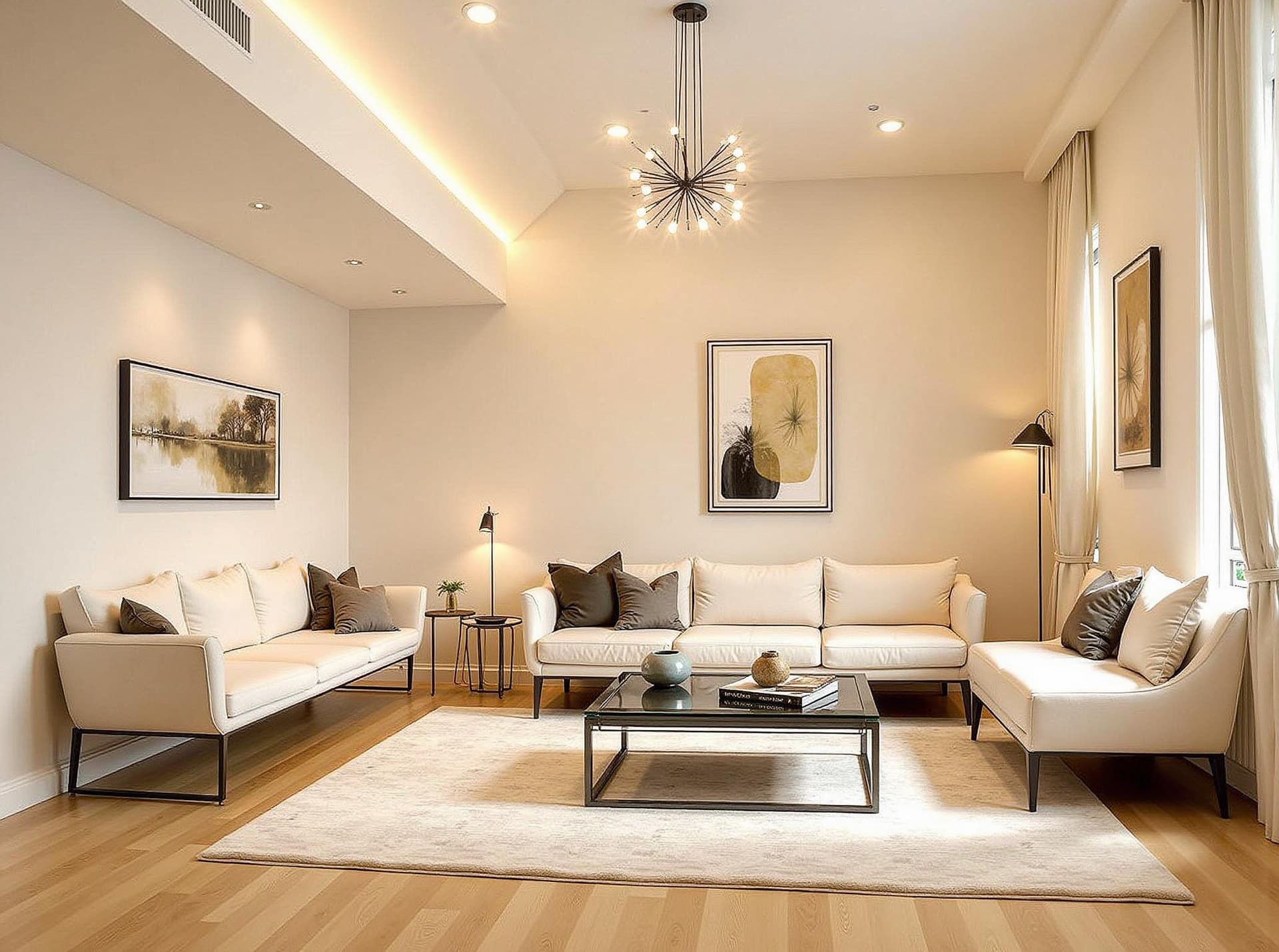
Scandinavian Living Room
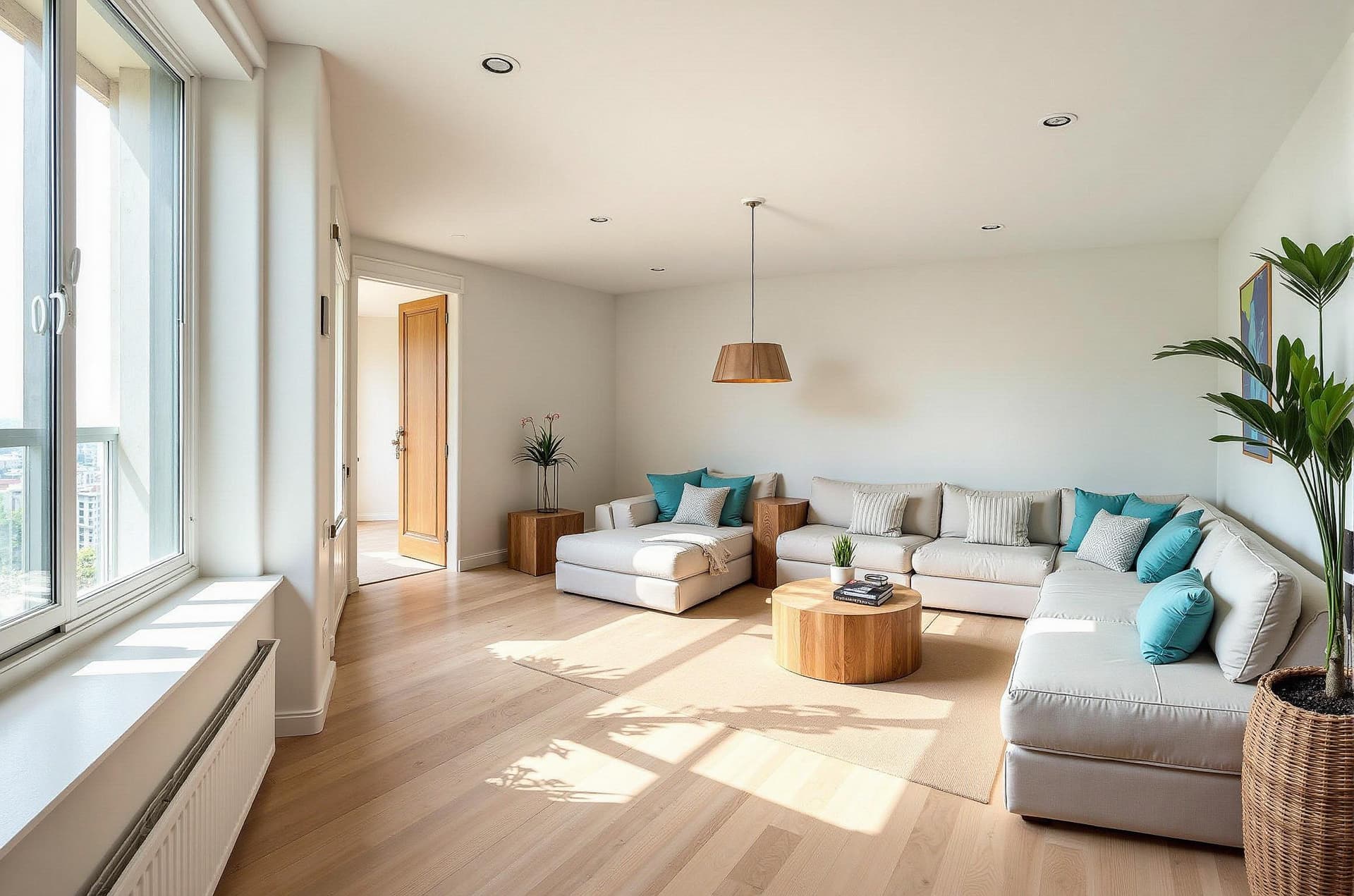
Coastal Living Room
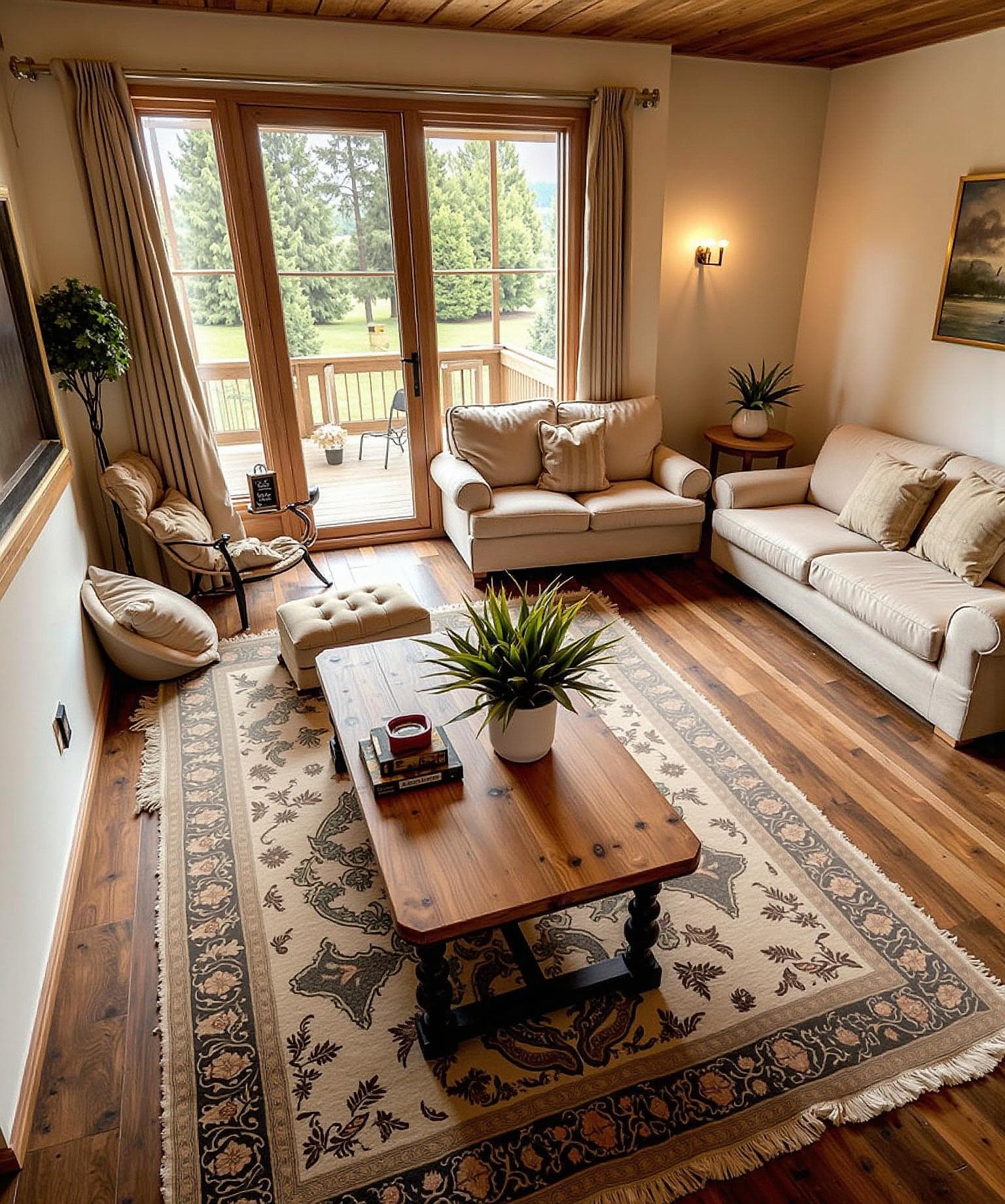
Luxury Living Room
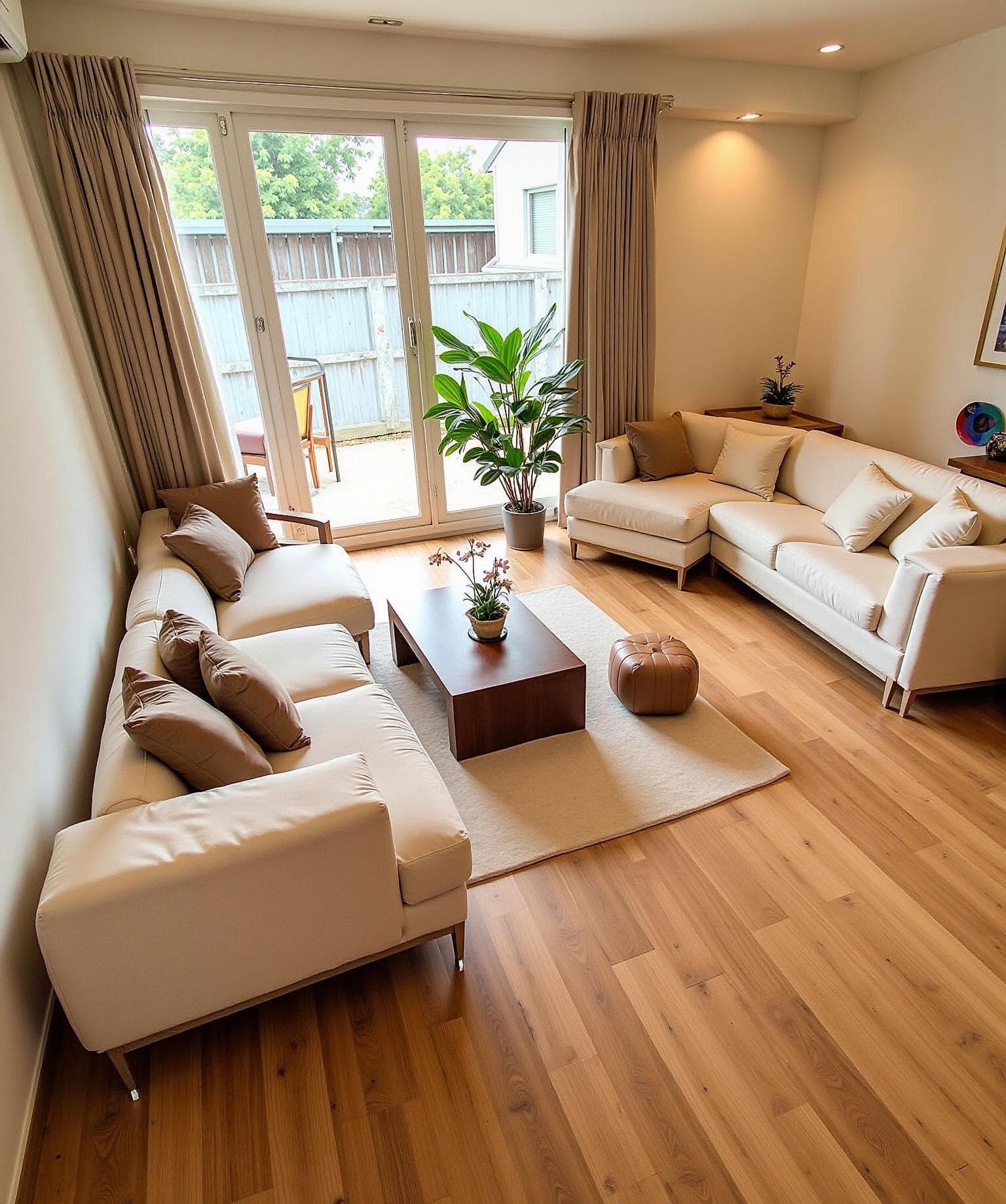
Japandi Living Room
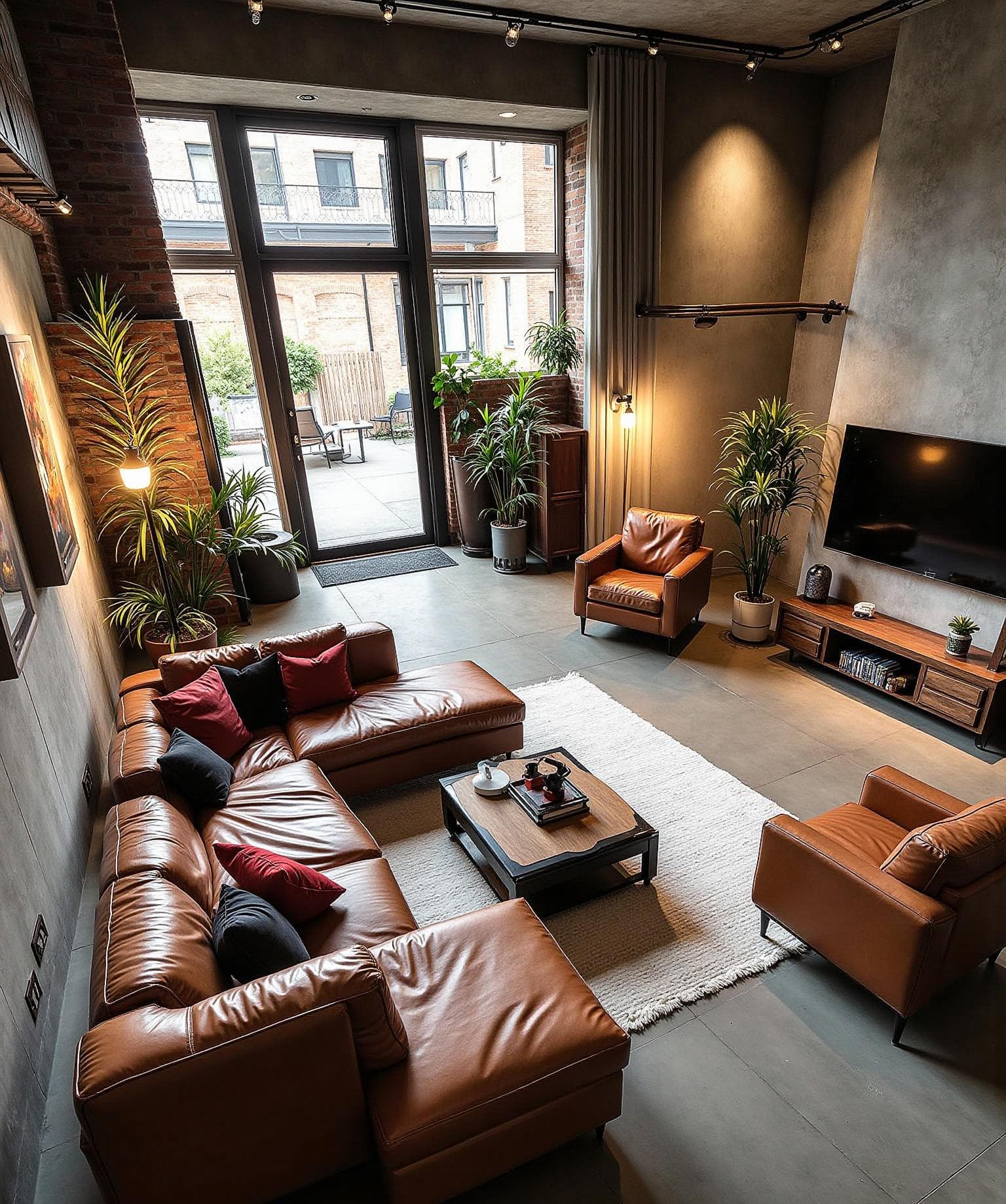
Industrial Living Room
What AI Living Room Design Actually Changes
Layout
Furniture placement can change how a room feels and how easily people move through it. Use a photo of your space to explore different seating arrangements and focal points before moving anything. Generated layouts are concepts; check door swings, walkways, and measurements in the actual room.
Furniture
A sofa, coffee table, and rug need to work together. Try a sectional against a smaller two-seater, or compare a round table with a rectangular one. The result can help you discuss scale and style, but confirm that any piece you buy will fit.
Light
A window can change how a palette feels through the day. Explore warmer and cooler styles using your own room photo, then check paint and materials in the real space. AI results may alter light direction, shadows, or finishes.
Staging an empty living room
A furnished concept can show how seating and a rug might define a vacant room. Keep the original photo alongside any staged image and review the result before using it in a listing. Furniture shown in a virtual staging image is illustrative and does not come with the property.
Where to start
Upload a photo, choose a style, and compare variations as your allowance or credits permit. Keep the direction that fits how you actually use the room, then check its details against the original.
Explore more ideas on the JanvAI homepage, see guidance for virtual staging, or open the AI room design tool to try your own photo.
Transform Your Living Room Design Today
Upload a living room photo and see your dream living room design come to life in seconds. AI living room design — free to try.
Get Started with Living Room Design